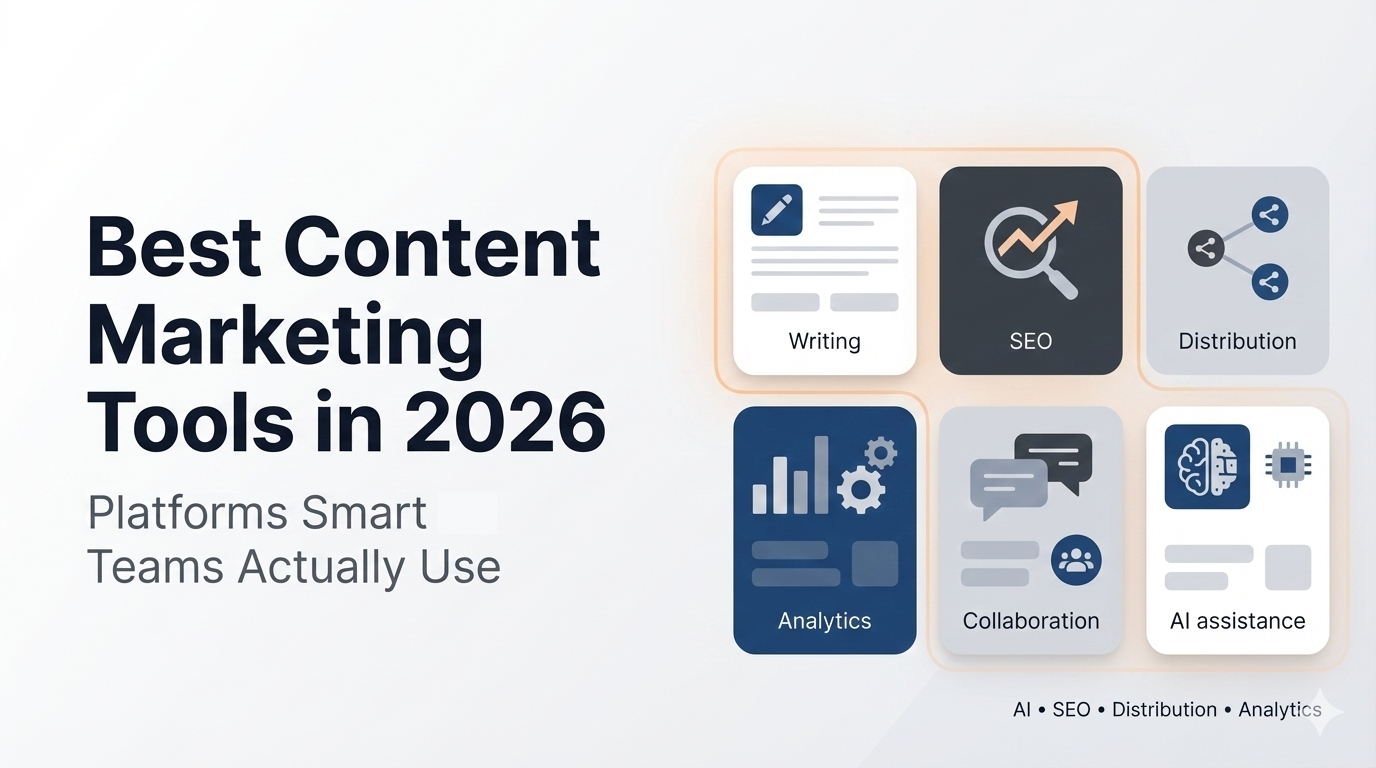


Content marketing tools in 2026 have gone from nice-to-have add-ons to the operating system a marketing team runs on. With a large share of new web content now generated by AI, the advantage no longer comes from producing more. It comes from producing the right content, grounded in real customer and market intelligence, and getting it in front of buyers, including inside the AI answers they now rely on.
This guide organizes the tools by the job they do across the content workflow: research, writing and optimization, planning, design, distribution, analytics, landing pages, personalization, and the all-in-one platforms that tie it together. Each entry has an honest "best for," the key features, pricing, and the trade-offs. You don't need all of them. You need one strong tool per stage that fixes your real bottleneck, and you need them sharing data.
SEO & Research Tools
Great content starts with knowing what your audience is actually searching for and where the gaps are. Research tools surface topic demand, competitor coverage, and trends so your content roadmap targets real opportunities instead of guesses.
Ahrefs
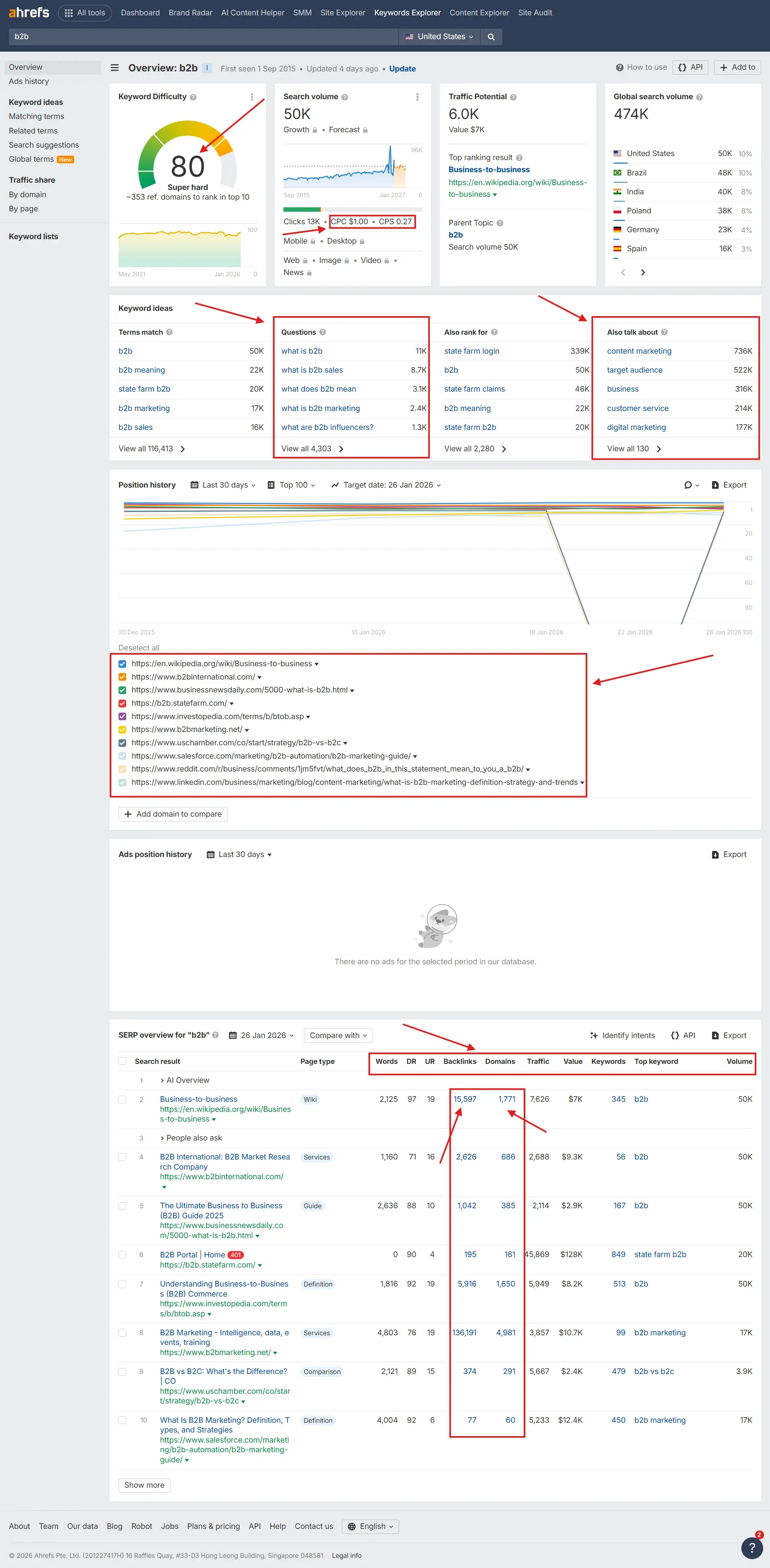
Ahrefs is one of the most popular platforms for content and competitor research, strong on backlinks, topic demand, and content gaps.
- Best for: B2B and ecommerce teams that need deep backlink, topic, and competitor analysis
- Key features: Content Explorer, Site Explorer, content gap analysis, SERP overviews, content audits
- Pricing: Paid plans from around $99/month
- Pros: Excellent data quality, strong discovery and competitive insights
- Cons: More than small teams doing basic research need, and priced accordingly
Semrush
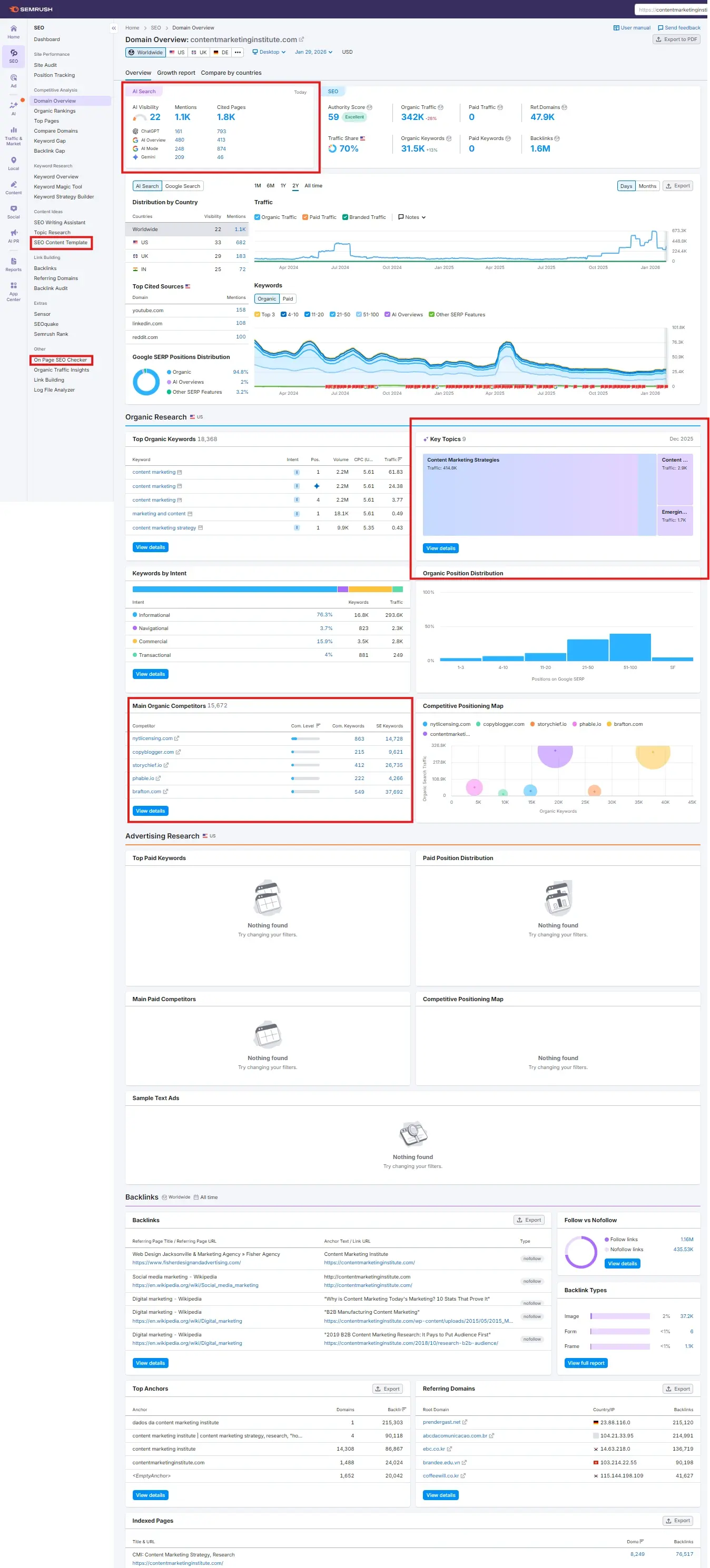
Semrush is an all-in-one content and competitive research platform used by agencies and in-house teams alike.
- Best for: Teams that want research, content planning, and auditing in one place
- Key features: topic research, content audits, on-page recommendations, editorial calendar
- Pricing: Paid plans from around $129.95/month
- Pros: Broad functionality, versatile cross-channel research, strong reporting
- Cons: The interface is dense, and the advanced features take time to learn
Google Trends
Google Trends is a free tool that shows how interest in a topic moves over time and across regions.
- Best for: Quickly checking whether a topic is rising or fading before you commit to it
- Key features: trend graphs, regional interest, related queries and topics
- Pricing: Free
- Pros: Fast, simple, ideal for directional insight
- Cons: Not built for detailed planning; use it alongside a deeper research tool
Did you know? 43% of marketers use generative AI tools for content creation. (Source: HubSpot.)
AI Writing & Content Optimization Tools
AI writing tools have gone from novelty to infrastructure. The best ones don't just generate text; they adapt to your voice and structure content around real buyer insight, and they help you keep quality and originality high.
Jasper
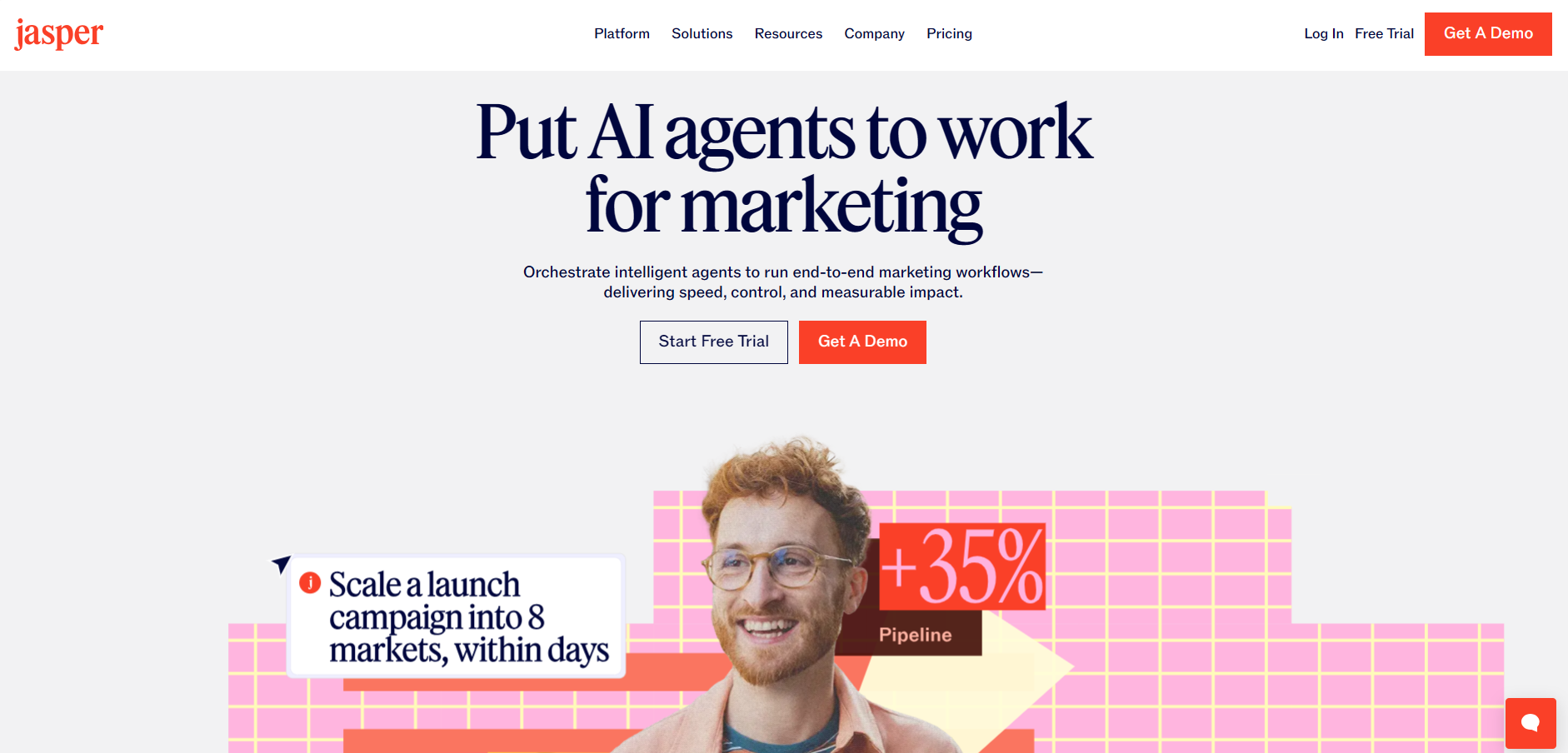
Jasper is a popular AI writer focused on content creation and brand-safe output.
- Best for: Marketing teams and agencies that need a flexible AI writer across formats, especially blog posts
- Key features: brand voice, templates, campaigns, collaboration, SEO mode, Google Docs integration
- Pricing: From around $39/month for individuals, with team plans
- Pros: Friendly interface, strong brand-voice controls, versatile templates
- Cons: Needs good prompts and context; without real inputs, output can feel generic
Grammarly
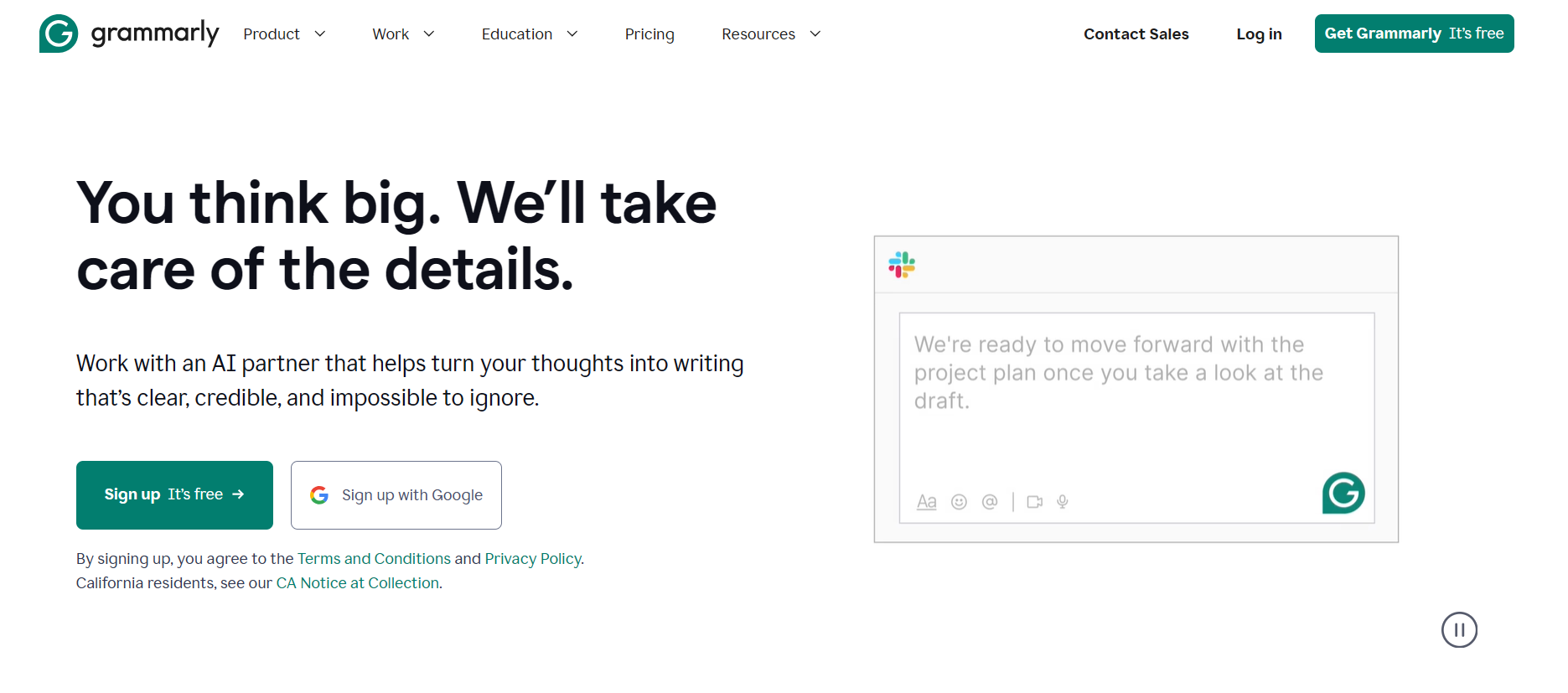
Grammarly goes beyond spellcheck with suggestions for tone, clarity, and style, plus a growing set of AI writing features.
- Best for: Writers and teams that want consistent, error-free content across contributors
- Key features: grammar and tone checks, style guides, AI rewrite suggestions, passive-voice detection
- Pricing: Free tier; Premium from around $12/month per user (billed annually)
- Pros: Easy to adopt, browser and app integrations, lifts every writer's baseline
- Cons: Not a research or strategy tool; it complements rather than replaces them
Surfer
Surfer scores and guides on-page content against what's already ranking, so drafts are structured to compete.
- Best for: Content and SEO teams optimizing drafts for structure and coverage
- Key features: content editor, SERP-based scoring, keyword and heading guidance, content audits
- Pricing: Paid plans from around $99/month
- Pros: Practical, data-backed on-page guidance that speeds up optimization
- Cons: Focused on optimization, so pair it with a research and a writing tool
Content Planning & Collaboration Tools
Good ideas die in scattered spreadsheets. Planning tools align strategy, briefs, drafts, and approvals so a team ships consistently instead of chasing status updates.
Notion
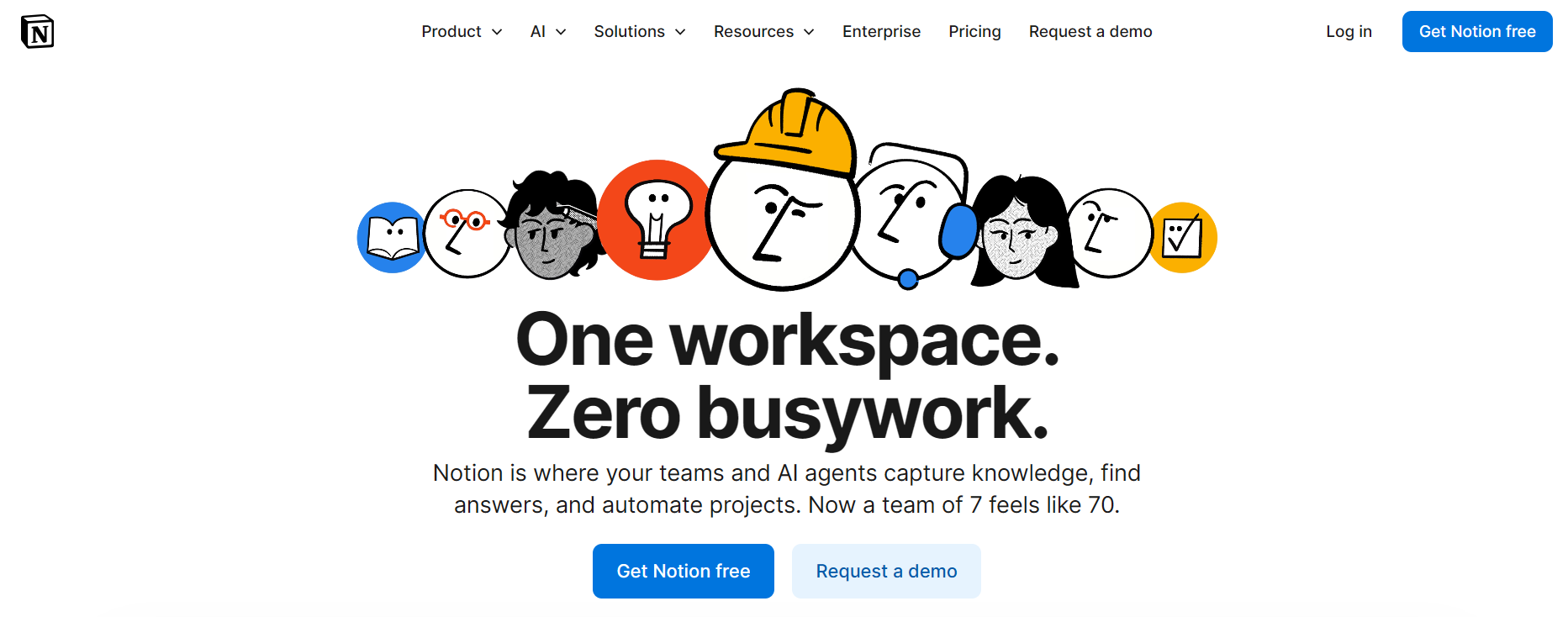
Notion is a flexible workspace that brings documents, databases, and project boards into one place.
- Best for: Content teams that want a customizable editorial hub with their own workflows
- Key features: content calendars, briefs, databases, AI assistant, collaborative editing
- Pricing: Free for individuals; team plans from around $8/user/month (billed annually)
- Pros: Highly customizable and strong for content operations
- Cons: Needs structure and discipline to avoid becoming a mess
Asana / Monday / Trello
Project management platforms like Asana, Monday, and Trello act as the editorial backbone: who owns what, by when.
- Best for: Teams that need clear ownership, deadlines, and cross-functional visibility
- Key features: Kanban boards, timelines, dependencies, approvals, automation
- Pricing: Free tiers; paid plans typically from $10-$12/user/month
- Pros: Proven workflows and solid integrations
- Cons: Not content-specific, so you'll build your own templates and conventions
Visual Content & Design Tools
Strong visuals help content stand out and stay on brand across channels. Lightweight tools cover most day-to-day needs; heavier creative work calls for a professional suite.
Canva
Canva makes it easy for non-designers to produce on-brand graphics, decks, and social creatives.
- Best for: Teams needing quick, on-brand visuals across channels
- Key features: templates, brand kits, AI image tools, collaboration, presentations, and video
- Pricing: Free tier; Pro from around $14.99/month (team pricing available)
- Pros: Fast, easy, huge template library
- Cons: Advanced design teams may prefer a full creative suite for complex work
Adobe Express / Creative Cloud
Adobe Creative Cloud is the professional suite for deeper creative work; Adobe Express offers templated, faster design flows.
- Best for: Brands with high design standards and dedicated creative resources
- Key features: advanced editing, brand asset management, AI integration, motion graphics
- Pricing: Varies by plan; Express has a free tier and premium from around $9.99/month
- Pros: Industry-grade tools and broad capabilities
- Cons: Steeper learning curve, and overpowered for simple social posts
Social & Distribution Tools
Publishing is only half the job. Distribution tools get content in front of buyers where they spend time: social feeds, inboxes, and communities.
Buffer
Buffer offers low-overhead social scheduling and analytics.
- Best for: Small to mid-size teams that want a simple posting and reporting routine
- Key features: queueing, calendar, basic analytics, link tracking, multi-platform support
- Pricing: Free plan with limited channels; paid from around $6/month per channel
- Pros: Clean interface, quick to adopt
- Cons: Not built for complex enterprise social workflows
Hootsuite
Hootsuite is a more advanced social media management platform.
- Best for: Teams managing multiple brands and more complex workflows
- Key features: scheduling, social listening, approval workflows, analytics, team management
- Pricing: From around $99/month
- Pros: Powerful enterprise features and governance
- Cons: Higher cost and complexity than lightweight tools
HubSpot / Customer.io (Email & Lifecycle)
For lifecycle content, welcome sequences, product education, upsell campaigns, email and messaging platforms are core.
- Best for: Turning content into nurture streams and customer programs
- Key features: email builders, automation, segmentation, performance reporting
- Pricing: Wide range, from free plans that scale with contacts and features
- Pros: A direct channel for content that educates and retains
- Cons: Data hygiene and strategy matter, or the automation just adds noise
Did you know? 74% of marketers say content marketing generated demand and leads in the past 12 months. (Source: Content Marketing Institute.)
Analytics & Performance Tools
Visibility and output mean nothing if you can't tie them to results. Analytics tools show what's working so you can double down.
Google Analytics (GA4)
GA4 remains the baseline for understanding how visitors engage with your content.
- Best for: Tracking site traffic, engagement, and content conversions
- Key features: event tracking, funnels, audience segments, basic attribution
- Pricing: Free; enterprise via Analytics 360
- Pros: Ubiquitous and integrates with almost any stack
- Cons: The GA4 model and interface take effort to set up well
BI + CRM Dashboards
Many teams blend BI tools (Looker, Power BI, Tableau) with CRM data (Salesforce, HubSpot) to measure content's pipeline and revenue impact.
- Best for: Revenue-driven teams connecting content touchpoints to deals
- Key features: custom dashboards, attribution views, cohort analysis
- Pricing: Varies by BI and CRM stack
- Pros: Ties content to outcomes executives care about
- Cons: Requires clean data and setup to be trustworthy
Landing Page Optimization Tools
Landing pages decide whether a campaign converts. These tools let content teams build, test, and refine pages without engineering.
Unbounce
Unbounce pairs a drag-and-drop builder with a large template library and built-in A/B testing.
- Best for: Marketers who want to build and test campaign pages quickly
- Key features: page builder, templates, A/B testing, analytics, integrations
- Pricing: Paid plans from around $99/month
- Pros: Fast to launch and test, integrates with major marketing tools
- Cons: Costs add up as traffic and conversions scale
Instapage
Instapage focuses on high-conversion landing pages with strong analytics and integrations.
- Best for: Teams running paid campaigns that need tight page-to-ad alignment
- Key features: page builder, A/B testing, analytics, integrations with GA, Search Console, and ad platforms
- Pricing: Premium pricing, typically higher than entry builders
- Pros: Strong optimization and personalization features
- Cons: Priced for teams with real paid budgets
Personalization & Customer Experience Tools
Personalization tailors content to the visitor, by industry, behavior, or buying stage, which lifts engagement and conversion. These tools pull from website behavior, CRM, and other signals to adapt pages, emails, and recommendations.
Mutiny
Mutiny is a no-code platform that personalizes website content by account and segment.
- Best for: B2B teams personalizing their site for target accounts and ABM
- Key features: audience segmentation, dynamic headlines and CTAs, playbooks, analytics
- Pricing: Custom, aimed at mid-market and enterprise
- Pros: Fast to deploy without engineering, strong for ABM
- Cons: Best value at account-based scale
Optimizely
Optimizely provides experimentation and personalization across web and digital experiences.
- Best for: Teams running structured experimentation and personalization programs
- Key features: A/B and multivariate testing, personalization, feature experimentation
- Pricing: Enterprise
- Pros: Mature experimentation platform with deep capabilities
- Cons: Overhead and cost suited to larger teams
Enterprise & All-in-One Content Platforms
As teams grow, running a dozen disconnected tools becomes the bottleneck. All-in-one platforms bring strategy, insight, production, and orchestration into one place.
Omnibound
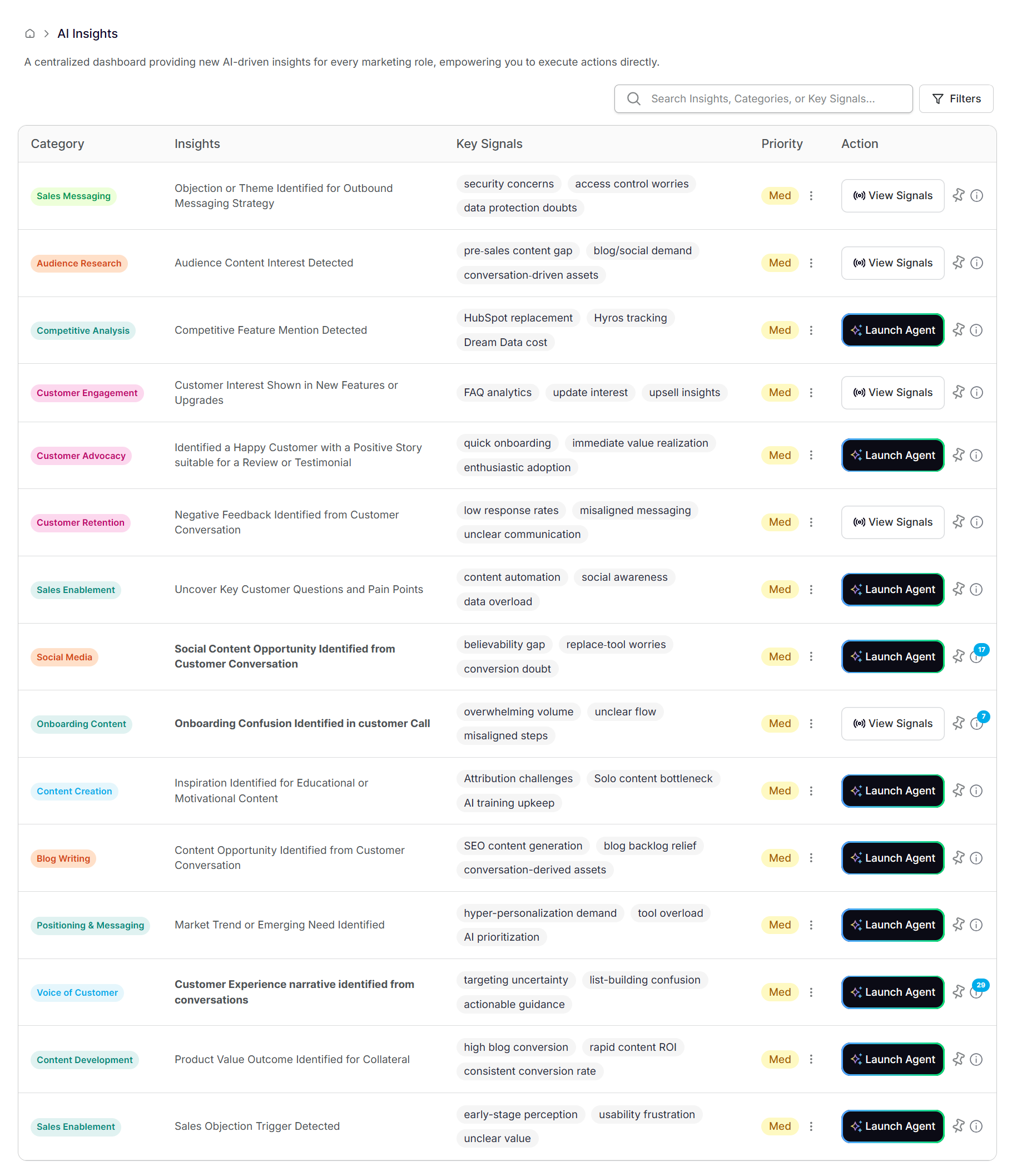
Omnibound is an AI Visbility Platform for B2B teams who want to create content grounded in real buyer context and tied to pipeline, and that shows up in AI search and increases a brand visibilty in LLMs.
- Best for: Mid-market and enterprise B2B teams building content that drives pipeline
- Key features: AI Search visibility monitring, a Marketing Context Engine that unifies calls, CRM notes, tickets, reviews, and market signals; intelligent research; context-aware AI agents for creation; and orchestration across the workflow
- Pricing: Custom, quote-based
- Pros: Content is built from real buyer pains and objections, not generic prompts, and it's engineered to earn AI citations, not just rank
- Cons: Built for B2B teams ready to run a connected content operation, not solo writers
For a deeper look at the all-in-one category specifically, see our guide to content marketing platforms. For the wider AI stack beyond content, see the top AI tools every B2B marketer should know.
Quick Comparison of Content Marketing Tools
| Tool | Category | Best For | Pricing (approx.) |
|---|---|---|---|
| Ahrefs | SEO & Research | Deep content & competitor research | From $99/mo |
| Semrush | SEO & Research | All-in-one research and audits | From $129.95/mo |
| Google Trends | Research | Trend validation | Free |
| Jasper | AI Writing | Multi-format AI content | From $39/mo |
| Grammarly | Optimization | Quality & tone control | Free; from $12/mo |
| Surfer | Optimization | On-page content scoring | From $99/mo |
| Notion | Planning | Editorial hubs | Free; from $8/user/mo |
| Asana / Monday / Trello | Planning | Task & workflow management | Free; from $10-12/user/mo |
| Canva | Design | Quick on-brand visuals | Free; from $14.99/mo |
| Adobe Express / CC | Design | Advanced creative work | From $9.99/mo |
| Buffer | Distribution | Simple social scheduling | Free; from $6/mo/channel |
| Hootsuite | Distribution | Enterprise social management | From $99/mo |
| HubSpot / Customer.io | Distribution | Nurture & lifecycle | Free to tiered |
| Google Analytics | Analytics | Web engagement & conversions | Free |
| BI + CRM Dashboards | Analytics | Revenue attribution | Varies |
| Unbounce | Landing Pages | Fast campaign pages & testing | From $99/mo |
| Instapage | Landing Pages | High-conversion paid pages | Premium |
| Mutiny | Personalization | Account-based site personalization | Custom |
| Optimizely | Personalization | Experimentation & personalization | Enterprise |
| Omnibound | All-in-One | B2B content tied to pipeline & AI search | Custom |
Which Content Marketing Tool Is Right for You?
The right stack depends on your goal, team size, and maturity. A few common starting points:
- Best for research: Start with Ahrefs or Semrush, plus free Google Trends, to find what will resonate.
- Best AI writing and optimization: Jasper for generation, Grammarly for quality, Surfer for on-page structure.
- Best for a small team: A lean stack of Notion (planning) + Jasper (writing) + Canva (design) + Buffer (distribution) covers most needs.
- Best for enterprise B2B: An AI search visibility and action platform like Omnibound, powered by a real-time Marketing Context Engine, to track how your brand shows up in AI answers, turn customer and market signals into content decisions, and connect those actions to pipeline.
- Best free options: Google Analytics, Google Trends, Notion's free tier, Canva, Buffer, and Grammarly go a long way if you have in-house expertise.
How to Choose Content Marketing Tools (Buyer's Guide)
When choosing, work through four questions.
Where is the workflow broken now? Research and strategy gaps point to research tools and a context layer; production bottlenecks to AI writing and orchestration; distribution gaps to social and email tools; reporting confusion to analytics and dashboards. Fix the constraint you actually have.
How big is the team, and who owns what? Smaller teams want fewer tools with strong AI support; mid-market wants category tools that integrate cleanly; enterprise needs a context-and-orchestration layer to prevent silos.
What are your budget and time horizon? Short term, weight quick wins (AI writing, basic planning, free analytics). Long term, weight platforms and context layers that compound.
What must it integrate with? List your non-negotiables (CRM, marketing automation, CMS, data warehouse). A tool that can't plug into your core stack creates data gaps.
FAQ
What are content marketing tools?
Content marketing tools are platforms that help teams research, plan, create, distribute, and measure content. They range from narrow utilities like Grammarly to all-in-one platforms like Omnibound.
What are the best content marketing tools?
The best content marketing tools depend on the job you need done. For research, Ahrefs and Semrush lead; for AI writing, Jasper; for quality, Grammarly; for planning, Notion; for design, Canva; for analytics, GA4; and for B2B teams that want content tied to pipeline and AI search, an all-in-one platform like Omnibound. The strongest stacks pair a generation tool with an intelligence layer, because volume without buyer context rarely performs.
How do content marketing and SEO tools complement each other?
SEO tools tell you what to write and how to structure it to be found; content tools help you produce and optimize it. In practice you pair a research tool (Ahrefs, Semrush) with a writer and optimizer (Jasper, Surfer, Grammarly), and increasingly with a layer that checks whether your content is getting cited in AI answers, not just ranking.
Should I use separate SEO and content tools?
Many teams do run separate research (Ahrefs, Semrush) and production (AI writers, design, CMS) tools. All-in-one platforms increasingly bridge insight and execution, but specialized tools still matter for depth. Choose based on where your workflow breaks, not on tool count.
Which content marketing tools are free?
Common free options include Google Analytics, Google Trends, Notion's basic tier, Canva's free plan, Grammarly's free version, and Buffer's entry plan. They're often enough to validate a strategy before you invest.
How do I measure ROI from content tools?
Tie content to outcomes: tag and track content-influenced opportunities in your CRM, use analytics for conversions and engagement depth, and layer BI dashboards with revenue data to see which assets influence deals. The tools help, but disciplined tagging and reporting are what surface ROI.
Final Word
In 2026, content marketing tools aren't about writing faster. They're about giving your team the context, structure, and automation to create content that consistently drives pipeline, revenue, and loyalty, and that shows up when buyers ask AI for recommendations. Most teams do best with a stack of: a context and strategy layer, research and analytics, AI writing and optimization, planning and orchestration, and distribution. Map the tools to your workflow, pick one strong option per stage, and connect them.