Free AI Search Visibility Checker | See how AI-ready you are and where you stand in AI search. Check My Score
×
Skip to main content
Context

Build the context behind your market.

Bring together customer conversations, company knowledge, and market signals so the platform can understand your business in context and carry that understanding into intelligence, AI search, creation, optimization, and performance.

Bring your customer, company, and market signals together.

Context starts with the information already inside and around your business. Explore each source to see how it contributes to the context Omnibound uses throughout the platform.

01 — PROSPECTS / CUSTOMERS

Bring buyer and customer signals into context.

Connect the systems where prospects and customers already communicate with your team. These sources give the platform the conversations, customer data, questions, feedback, and signals that shape the market around your business.

02 — YOUR COMPANY

Give the platform the knowledge behind your business.

Connect your company knowledge, files, brand guidance, assets, and language requirements so the context reflects how your business works and how your brand should show up.

03 — COMPETITORS / MARKET

Keep market signals connected to the same context.

Add the important URLs around your market, including competitor, partner, industry, and other sources that help keep your view of the category current.

Prospects / Customers · 01

Call Recordings

Integrate video conferencing tools with Omnibound. Capture meeting insights from Zoom, Teams, Google Meet, Fireflies and others.

Prospects / Customers · 02

CRM

Sync customer data from your Customer Relationship Management (CRM) tools to personalize engagement, enrich meeting context, and power intelligent follow-ups.

HubSpot CRM
Salesforce
Zoho CRM
Microsoft Dynamics
Prospects / Customers · 03

Emails

Connect your Email account to automatically store emails received by or sent from your connected address into the RAG system for contextual insights.

Gmail
Outlook
Smart Email Address
Prospects / Customers · 04

Chats

Connect your team's chat platforms to automatically ingest conversations into the RAG system for comprehensive contextual insights.

Slack
Microsoft Teams
Intercom
Prospects / Customers · 05

Support Tickets

Integrate support platforms with Omnibound. Capture ticket insights effortlessly.

Zendesk
Zoho Desk
Intercom
HubSpot Tickets
Salesforce
Prospects / Customers · 06

Reviews

Add review sources from competitor websites, industry sites, or other websites to inform your marketing tactics and understand the market around your buyers.

Review source

  • Website URL
  • Source type
  • Add another source
  • Save review source
Your Company · 01

Domain Knowledge

Keep the knowledge that defines your business current so the platform can generate tailored insights from the latest organizational information.

Company knowledge areas

  • Company Profile
  • Industry Glossary
  • Company Taxonomy
  • How Your Solution Works

Your Company · 02

Cloud Storage

Connect your cloud storage providers to easily ingest files and documents into your RAG system for contextual intelligence and a searchable knowledge base.

Google Drive
OneDrive
Dropbox
Box
Notion
Your Company · 03

Knowledge Base

Upload valuable insights and data to help generate accurate, context-aware, and on-brand content.

Knowledge base capabilities

  • Upload single or multiple documents
  • Public or private access levels
  • Add a description to uploaded files
  • DOC, DOCX, PDF, PPT, PPTX support
  • Upload from OneDrive
  • Attach files to the knowledge base
Your Company · 04

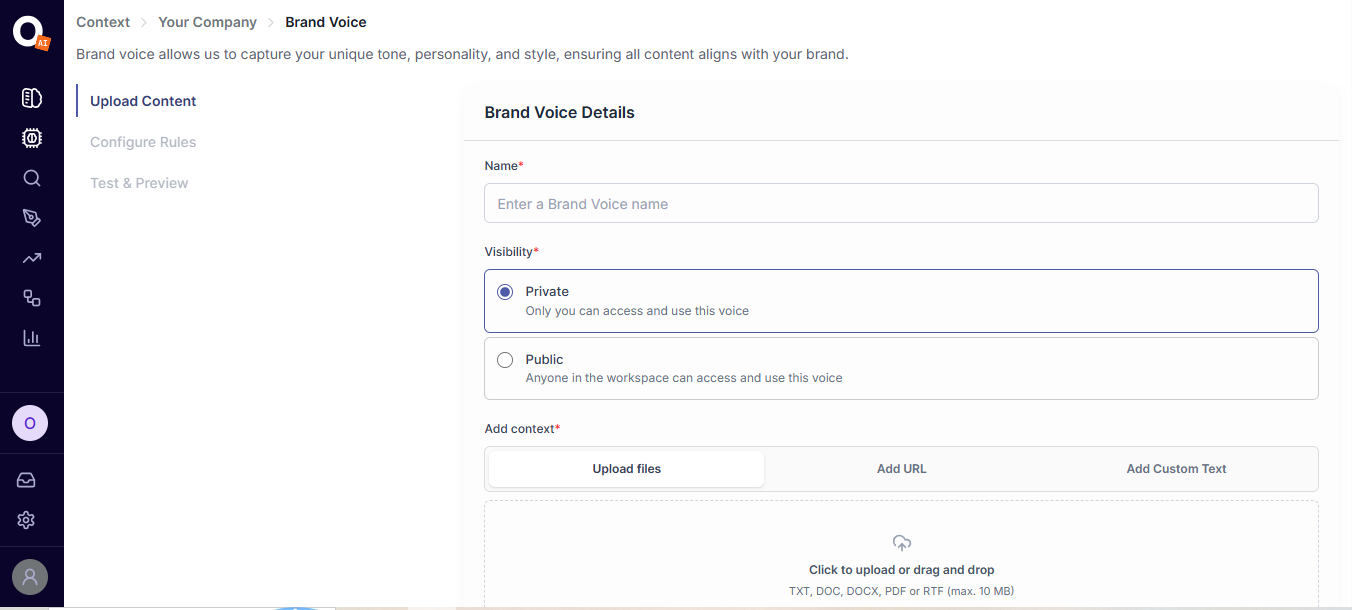
Brand Voice

Capture your unique tone, personality, and style so content aligns with your brand.

Brand Voice screenshot
Your Company · 05

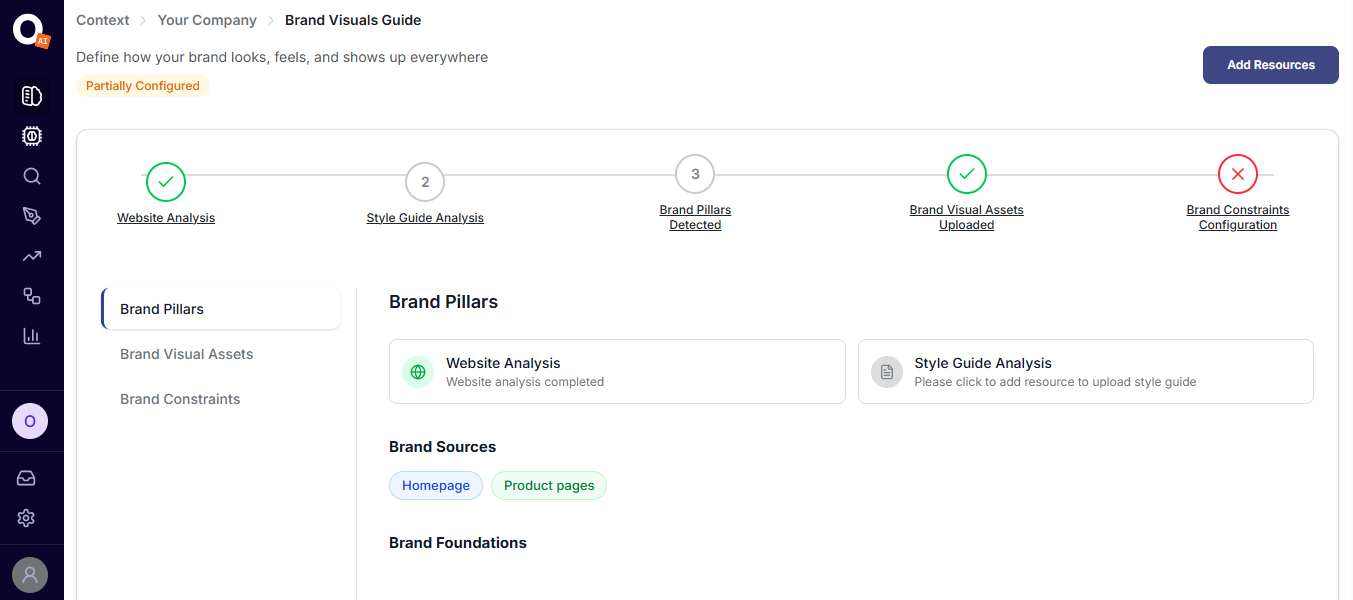
Brand Visuals Guide

Keep your brand's visual direction connected to the content and assets created through Omnibound.

Brand Visuals Guide screenshot
Your Company · 06

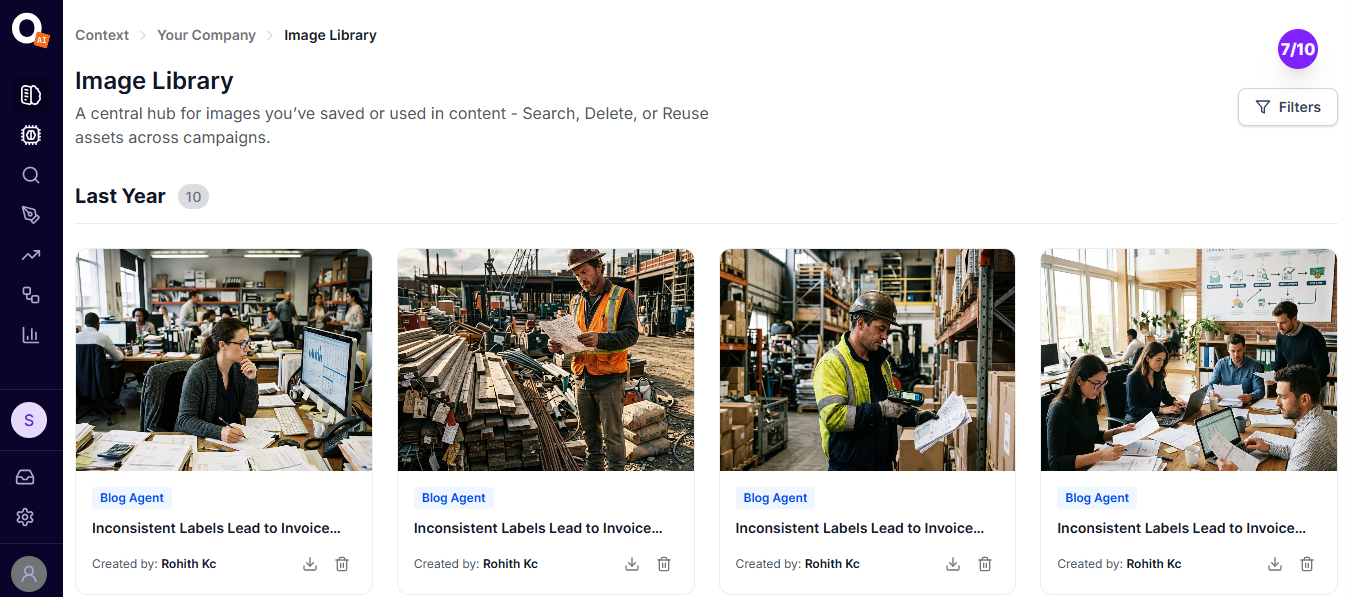
Image Library

A central hub for images you have saved or used in content. Search, delete, or reuse assets across campaigns.

Image Library screenshot
Your Company · 07

Translation

Translate content for different markets and languages, with support for Japanese, German, French, and Portuguese (Brazil).

Competitors / Market · 01

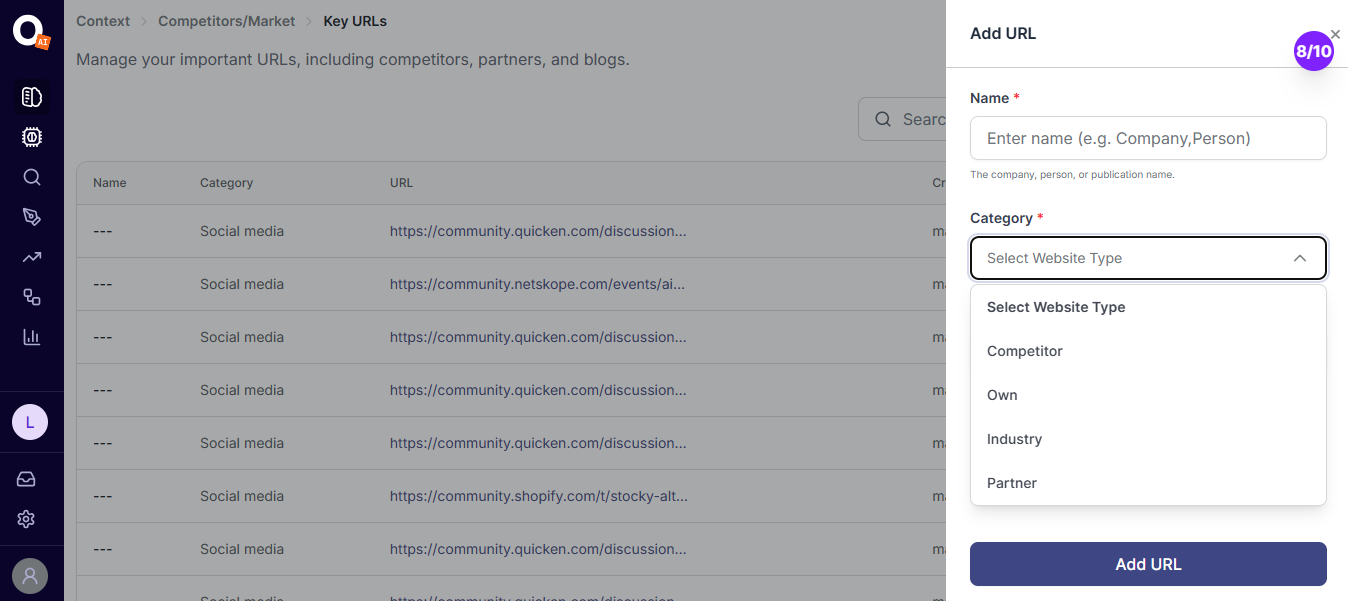
Key URLs

Add key URLs to your market context so important external sources stay connected to the same context.

Key URLs screenshot