Free AI Search Visibility Checker | See how AI-ready you are and where you stand in AI search. Check My Score
×
Skip to main content
Content Agents

The Right Agent For Every Marketing Deliverable

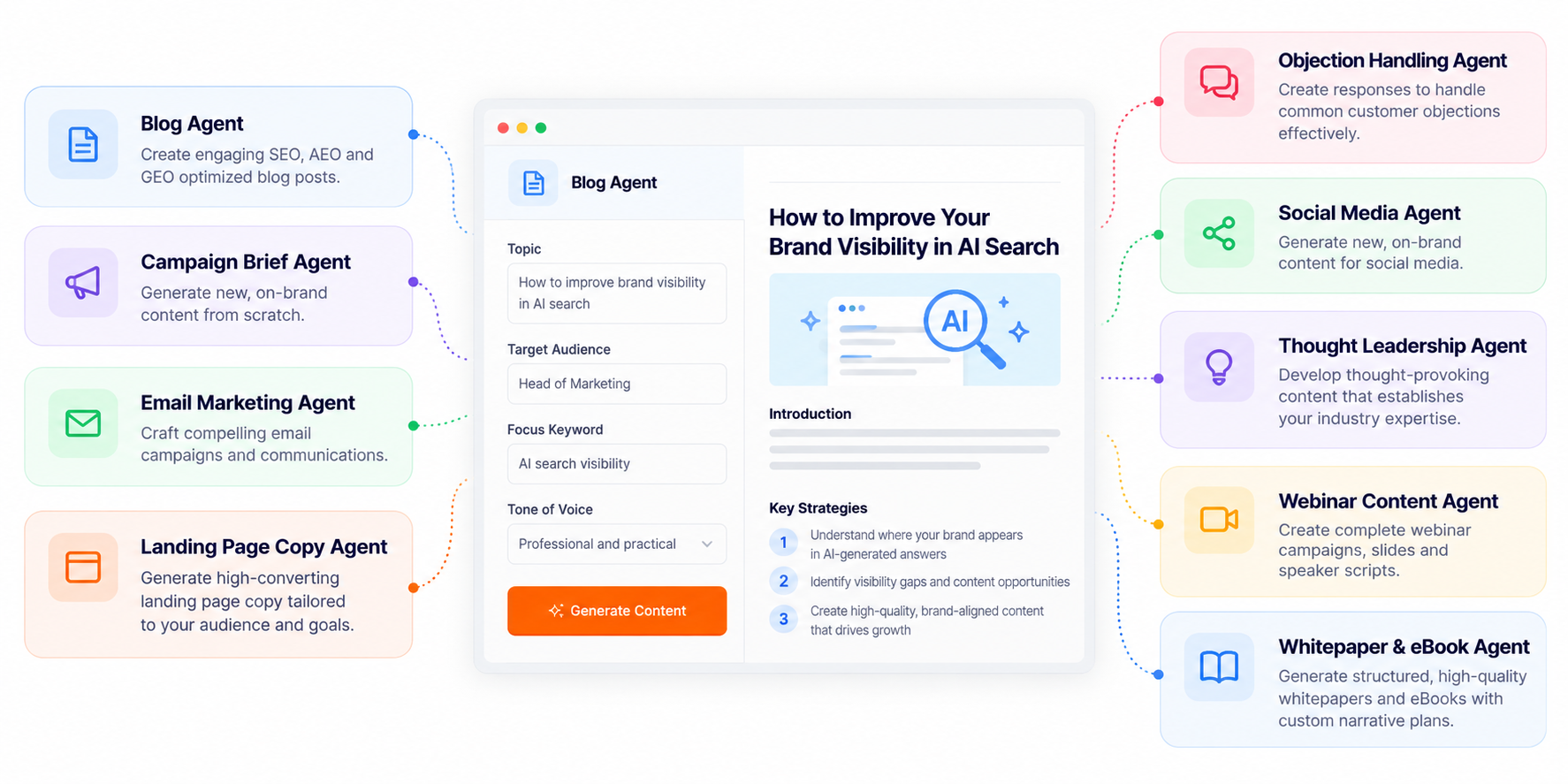
Omnibound’s specialized agents have controls built for its format and work from your audience, brand voice, and supporting material, so every draft starts from your context instead of a blank page.
Pastel AI Marketing Agent Dashboard
The agents

Nine specialized agents, each built for one kind of deliverable

Choose a workflow based on the asset you need to create. Each agent starts with a format-specific brief and provides controls relevant to the task, with shared audience and brand context where available.

Blog Agent

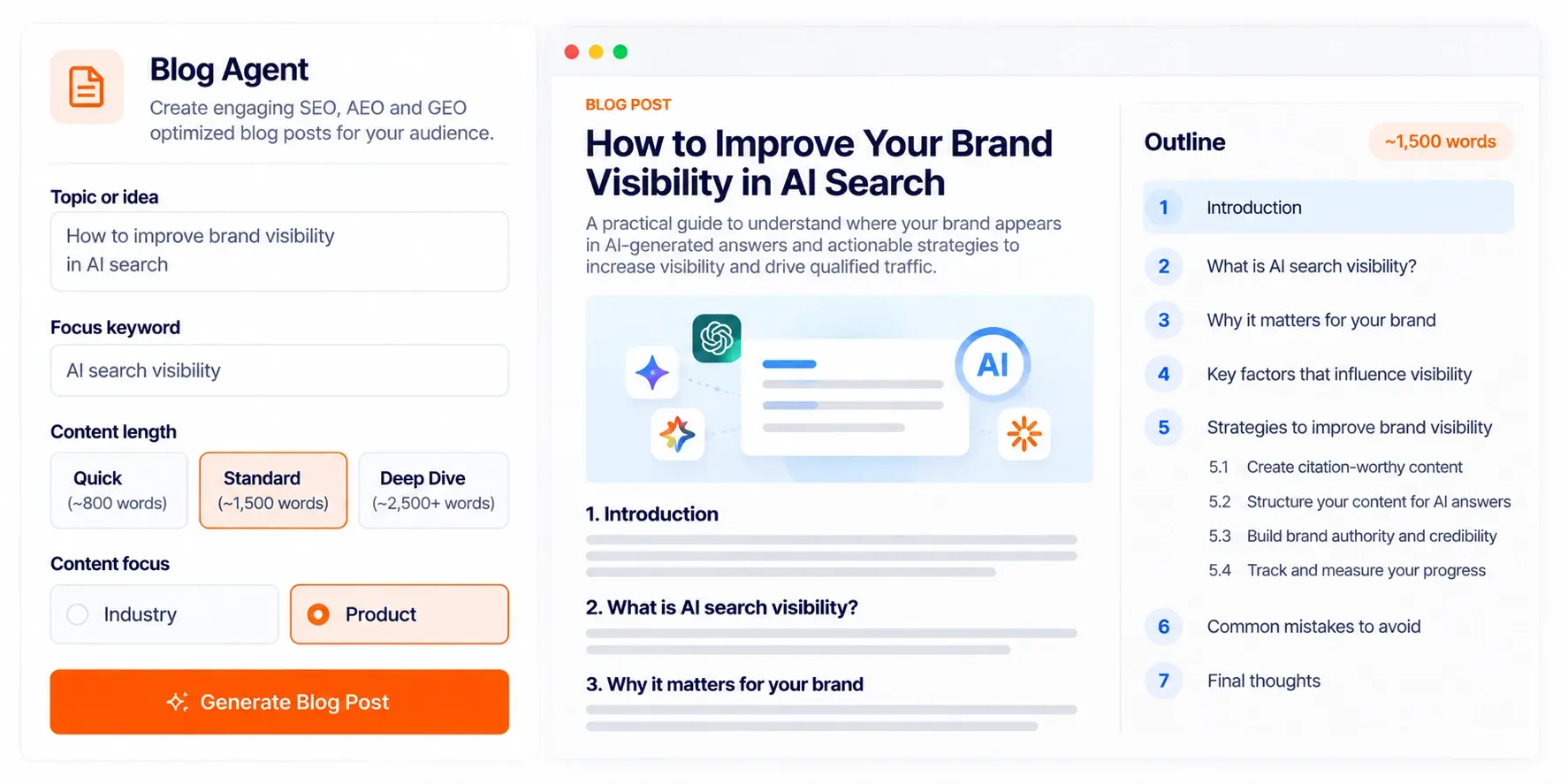
Go from a topic, problem, keyword, or product insight to a blog post. Choose a quick, standard, or deep-dive length, lock in a focus keyword, and decide whether the piece speaks to an industry or your product.
Blog Agent SEO Dashboard

Campaign Brief Agent

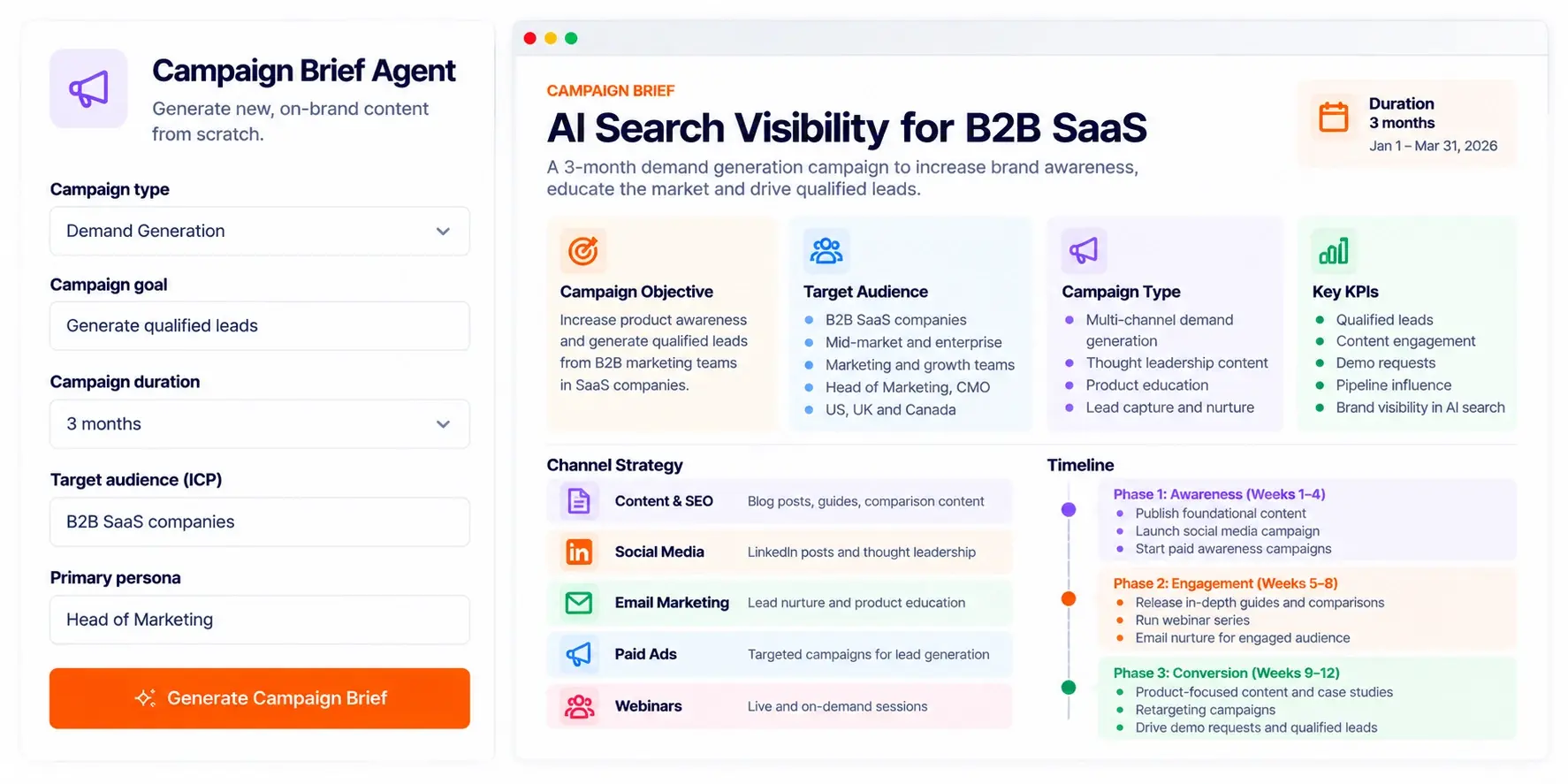
Start a campaign with a brief your whole team can work from. Pick awareness, demand generation, ABM, or launch, set the duration, and define who you are reaching.
AI Search Visibility Campaign Brief

Email Marketing Agent

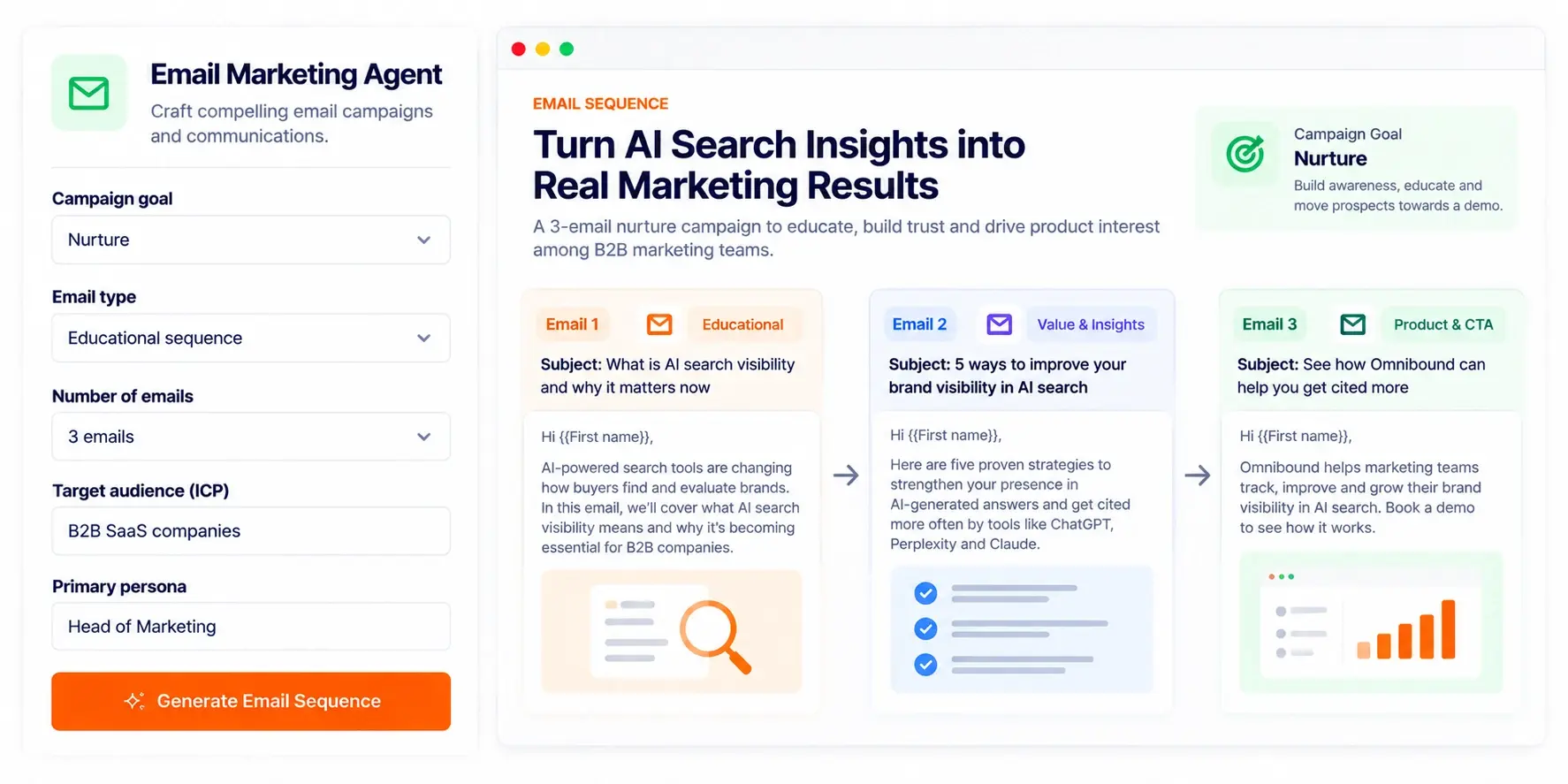
Build the emails for a full campaign. Choose awareness, conversion, lead generation, nurture, or re-engagement. Specify the email type and how many emails you need.
Email Marketing Sequence Dashboard

Landing Page Copy Agent

Get landing page copy that drives one action. Choose the page type (campaign, event, comparison, alternative, gated content, product feature, solution, or use case) and set the primary CTA.

Controls: Page type, primary CTA, ICP, persona, brand voice, and supporting context.
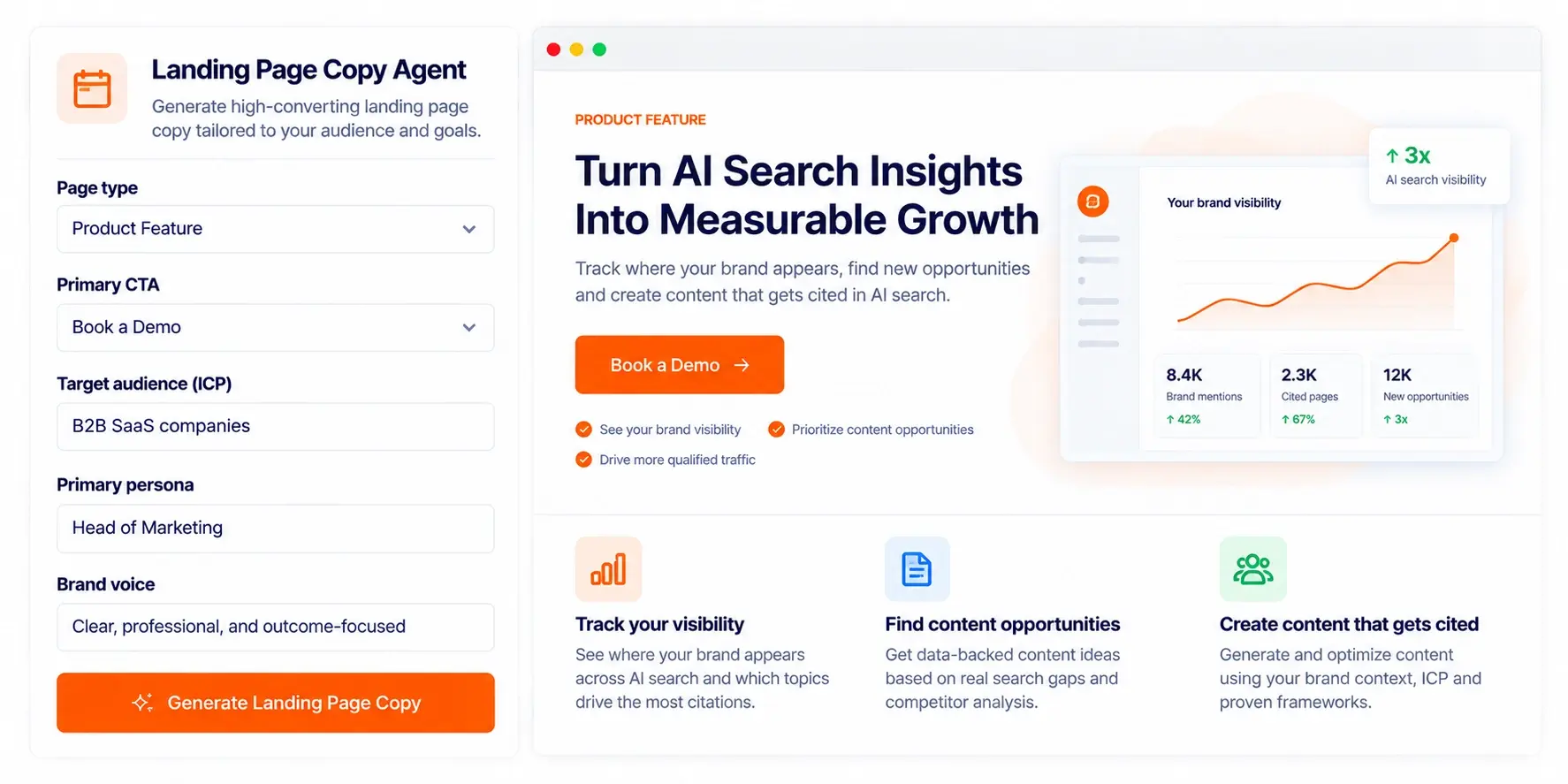
AI-Powered Landing Page Builder (1)

Objection Handling Agent

Prepare for the pushback before the call. Enter the buyer's concern, pick an early, mid, or late sales stage, and get responses written for that moment.
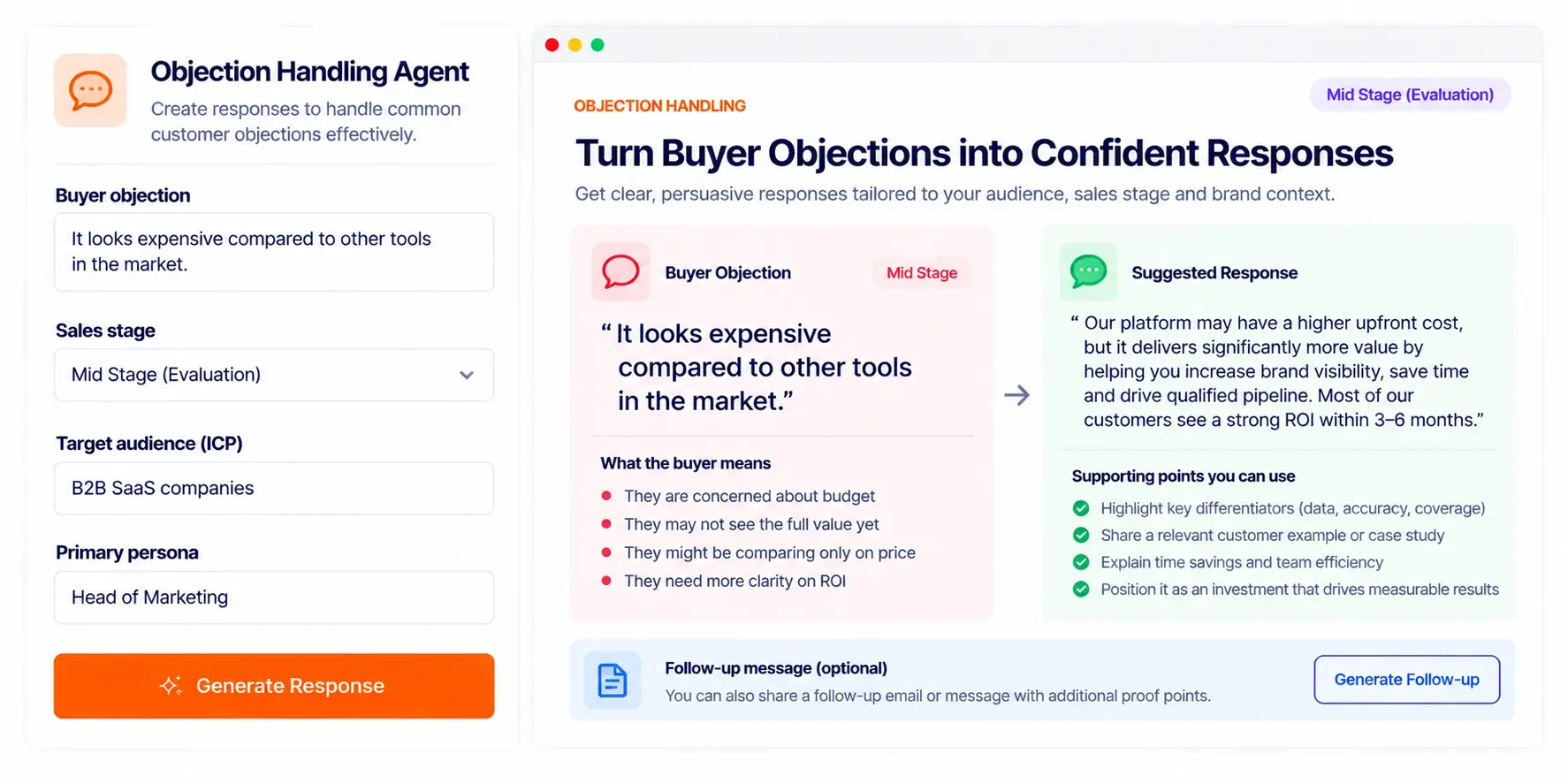
Objection Handling Dashboard UI

Social Media Agent

Take an idea or insight to the platform where it belongs. Choose the platform and length, and the post follows your audience and brand settings.
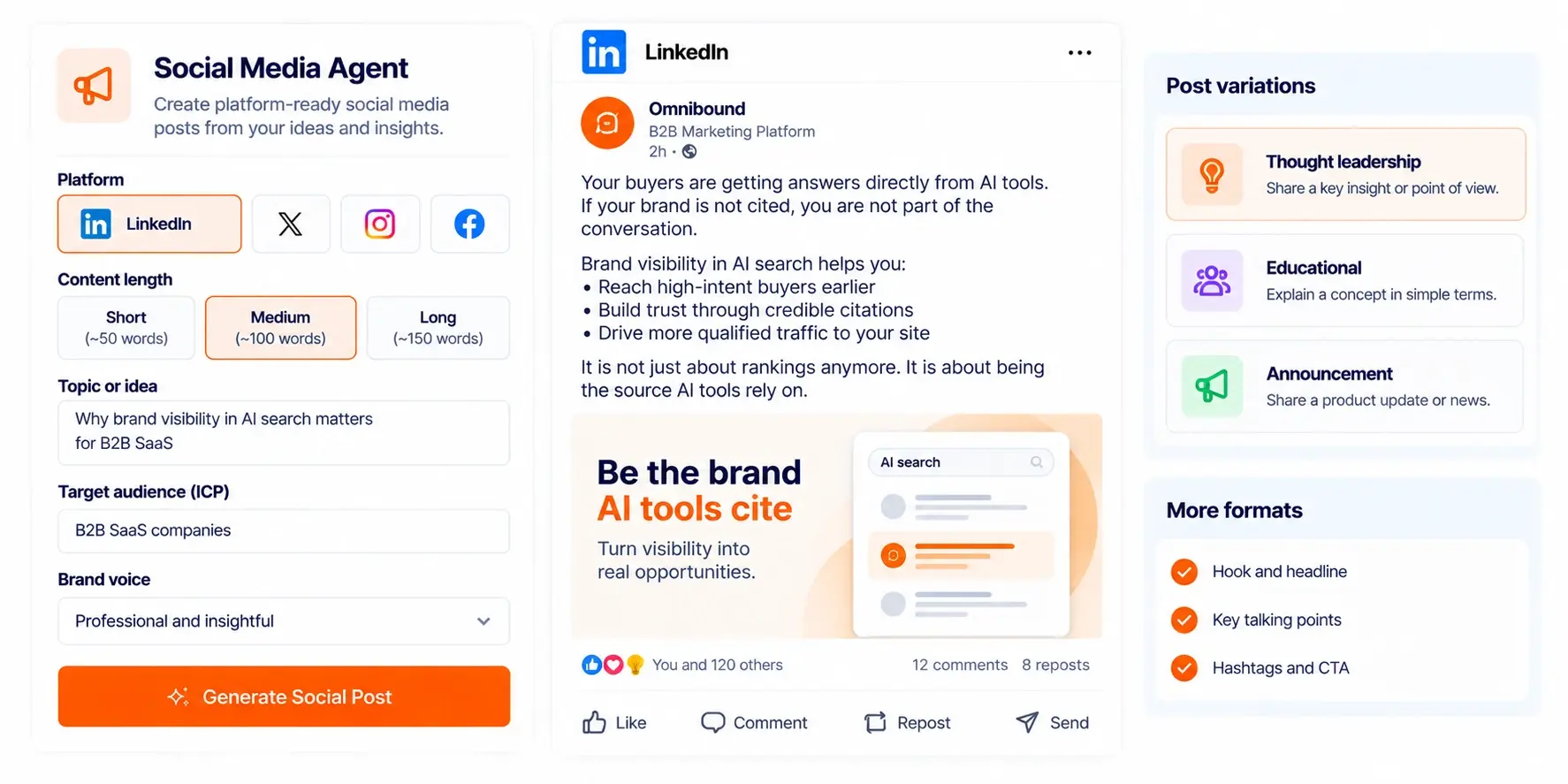
Social Media Agent Post Preview

Thought Leadership Agent

Turn a point of view into thought leadership content for a selected platform or format, with controls for depth and length.
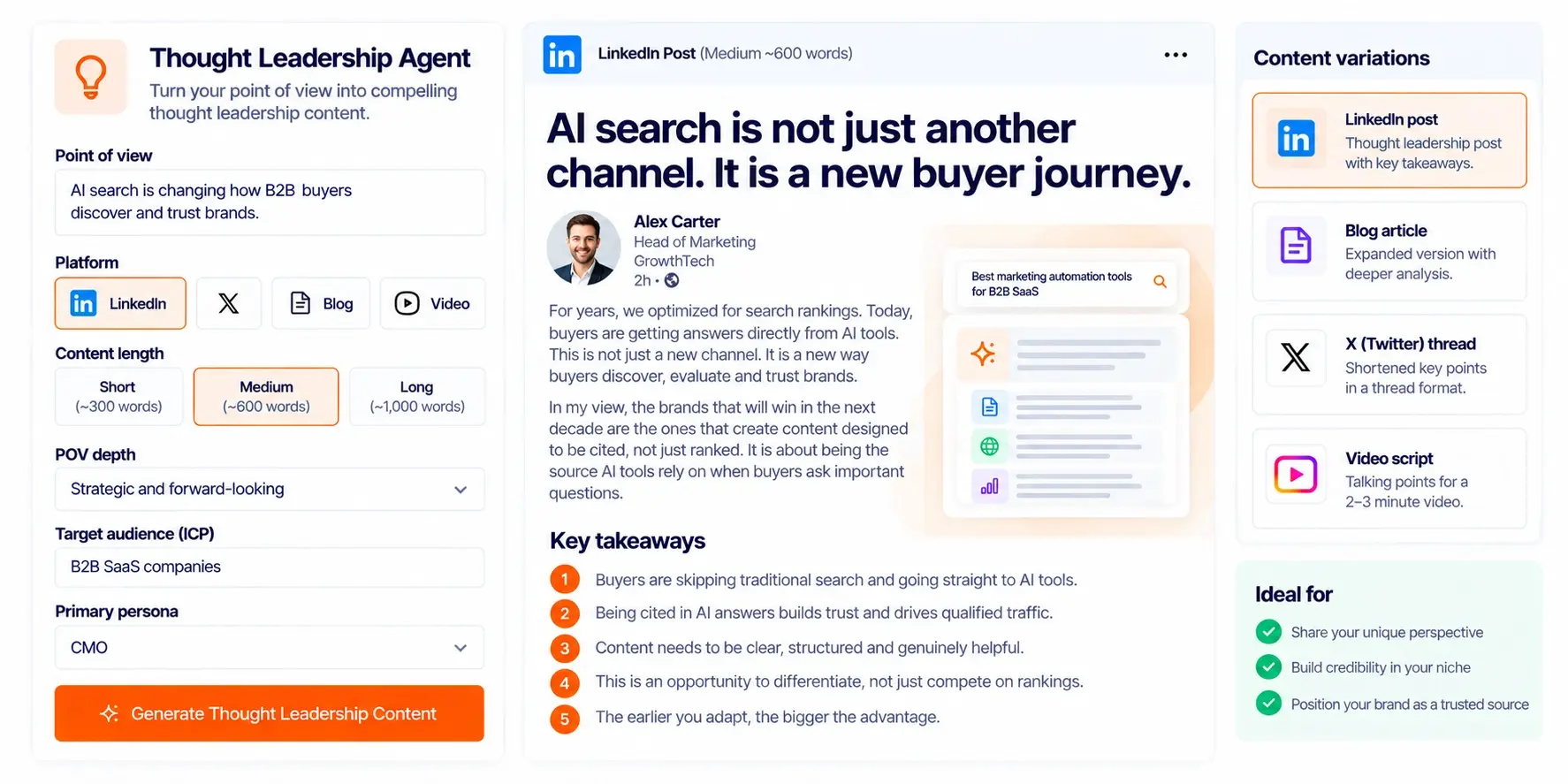
Thought Leadership Agent Dashboard

Webinar Content Agent

Plan a webinar around its goal. Choose education, lead generation, or a product focus; set the duration; and shape the slide count and content depth.
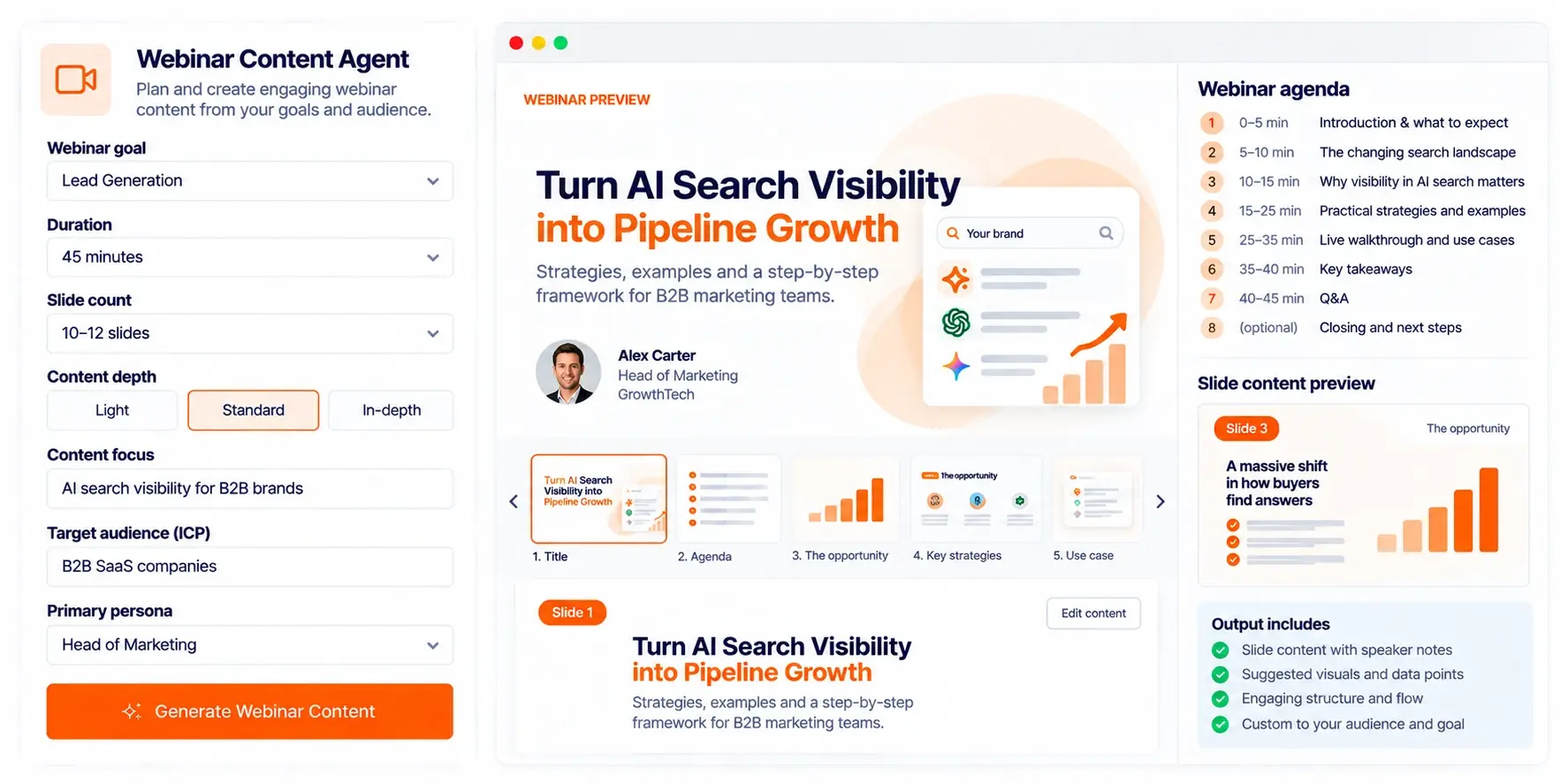
Webinar Content Agent Dashboard

Whitepaper & eBook Agent

Create long-form assets with a clear purpose. Choose a whitepaper or eBook, set the focus, marketing objective, and length, and switch on the optional web-search setting when you want it.
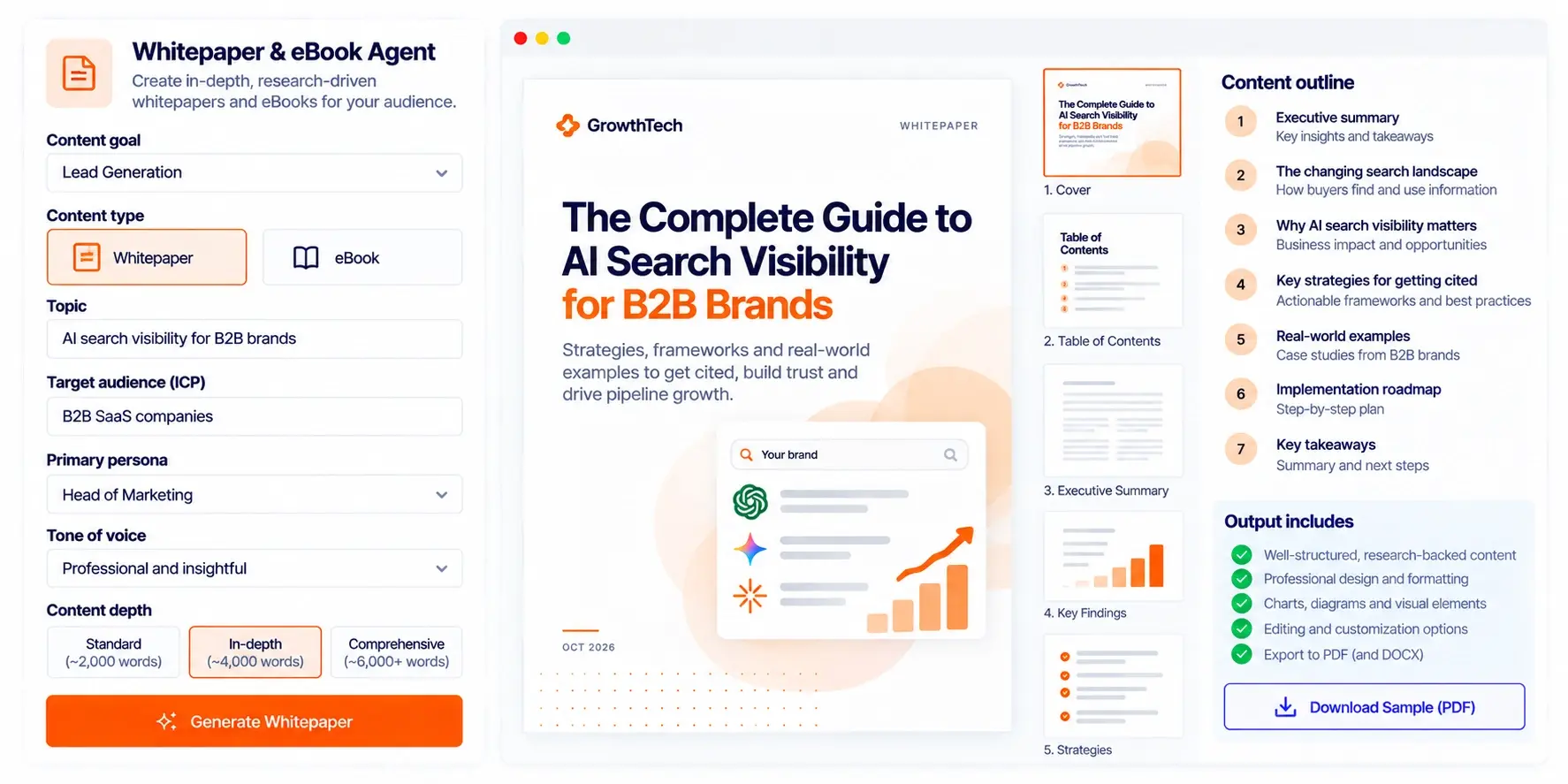
Whitepaper Agent Dashboard Mockup
One setup, every agent

Keep audience and brand context connected to the work

The shared controls give teams a consistent starting point while each agent retains the fields specific to its format.

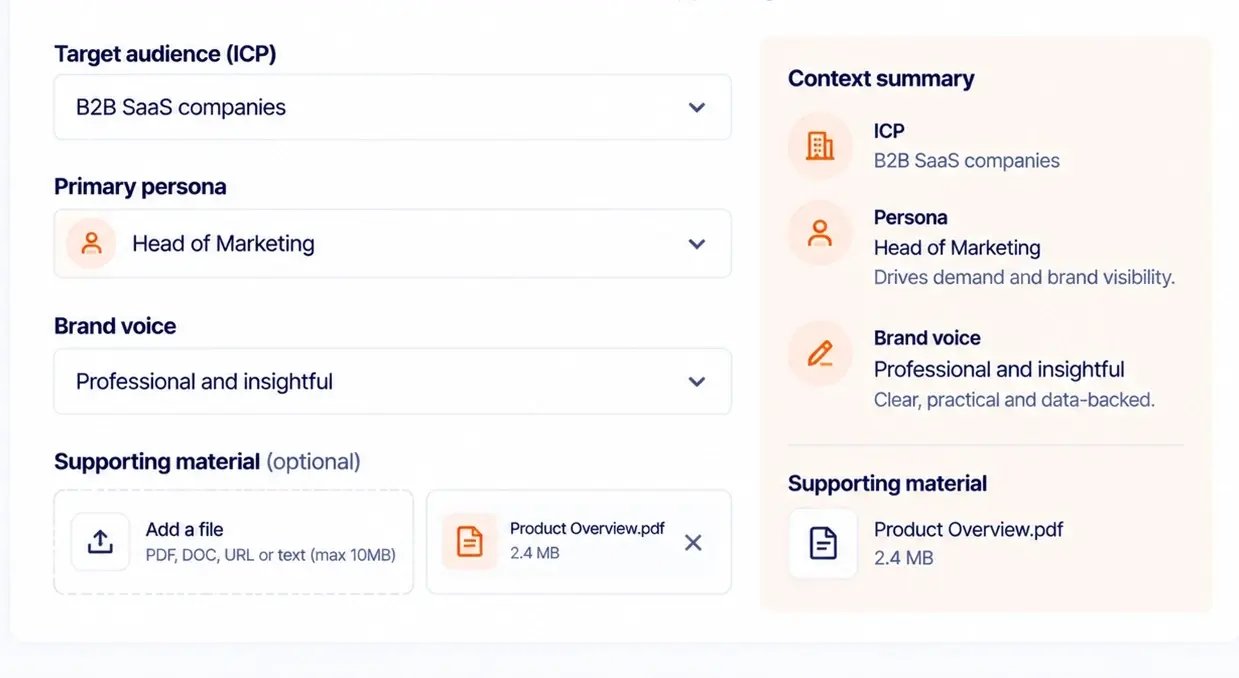
Target ICP and persona

Pick an industry or segment and a persona that fits it, such as a founder, CEO, marketing leader, or SEO specialist. Persona options follow the ICP you select.

Saved brand voice

Apply a saved brand voice so tone and style stay consistent from one piece to the next.

Supporting material

Add notes and reference URLs, and attach documents, so the agent works from your facts. Some workflows can also save uploaded files to your knowledge base.

Format-specific controls

Each agent adds its own options: article length, email count, landing page type, campaign duration, webinar duration, slide depth, or whitepaper length.

How it works

From a clear brief to a specific asset

Tell the agent what you need. The form adapts to the deliverable, so you only fill in what that format calls for.

Step 1: Describe the intent

Enter the idea, problem, goal, or point of view the content should address.
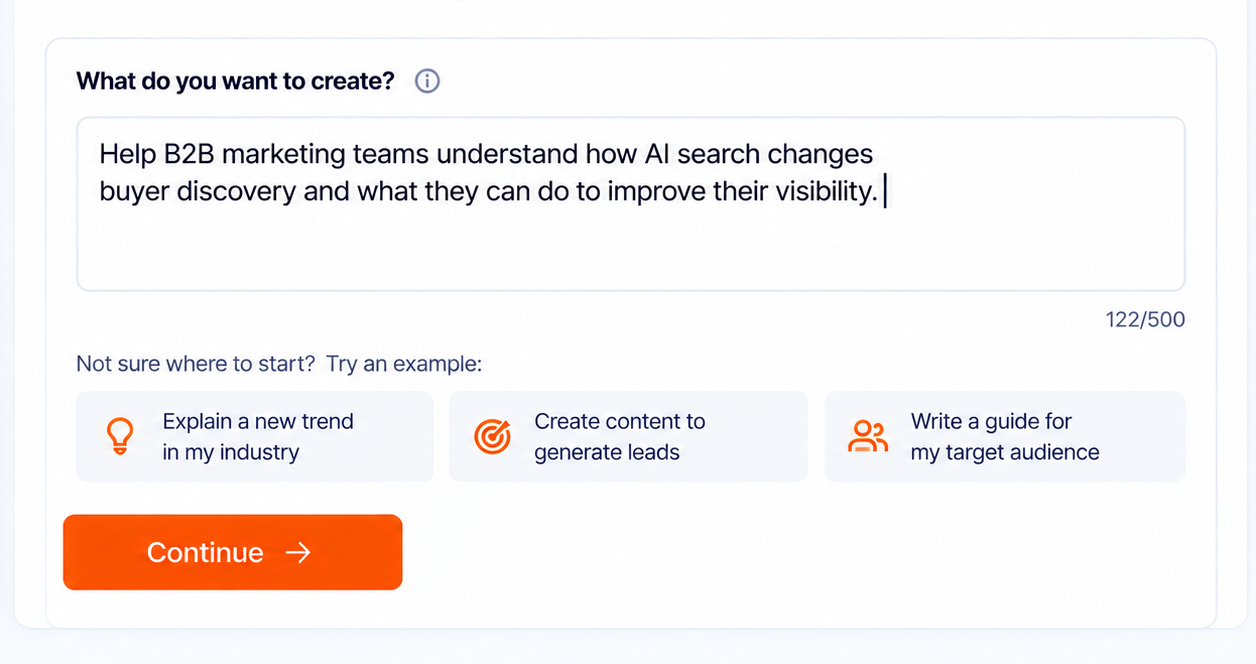
Content Agent Intent Wizard Dashboard

Step 2: Set the format

Choose the output type and set the length, duration, platform, sales stage, or any other option the agent offers.
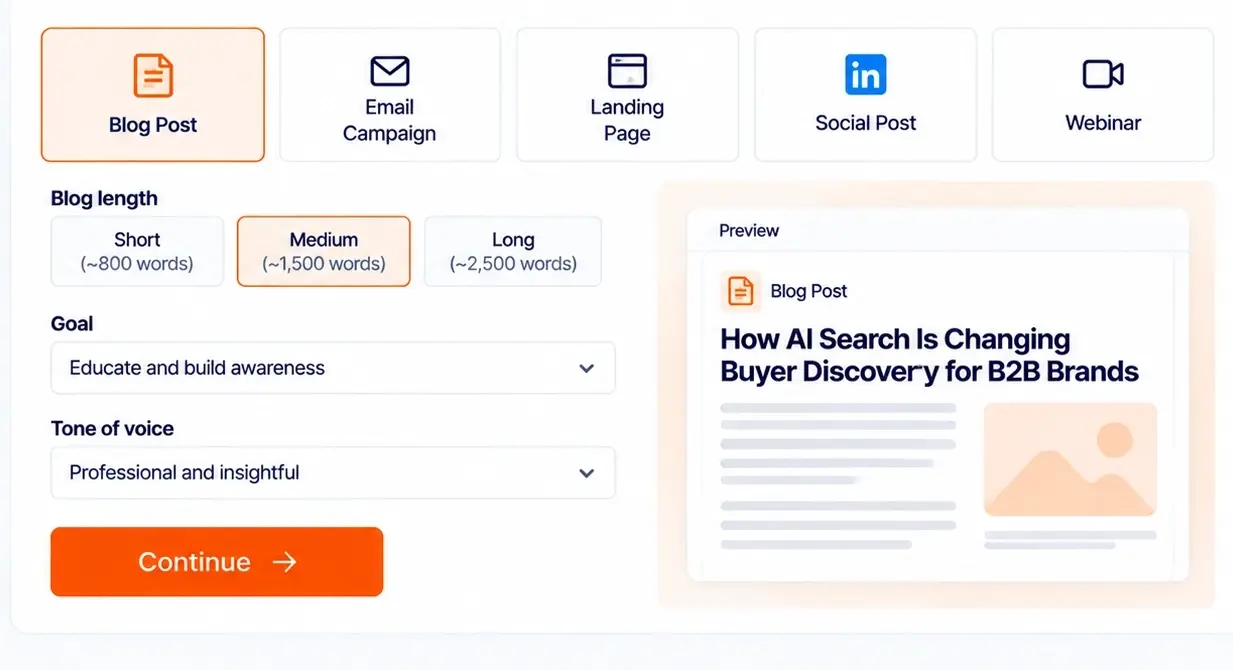
Minimalist AI Content Dashboard-1

Step 3: Add your context

Choose the ICP, persona, and brand voice, and add supporting material when it helps.
Add Your Context_ SaaS Content Dashboard-1

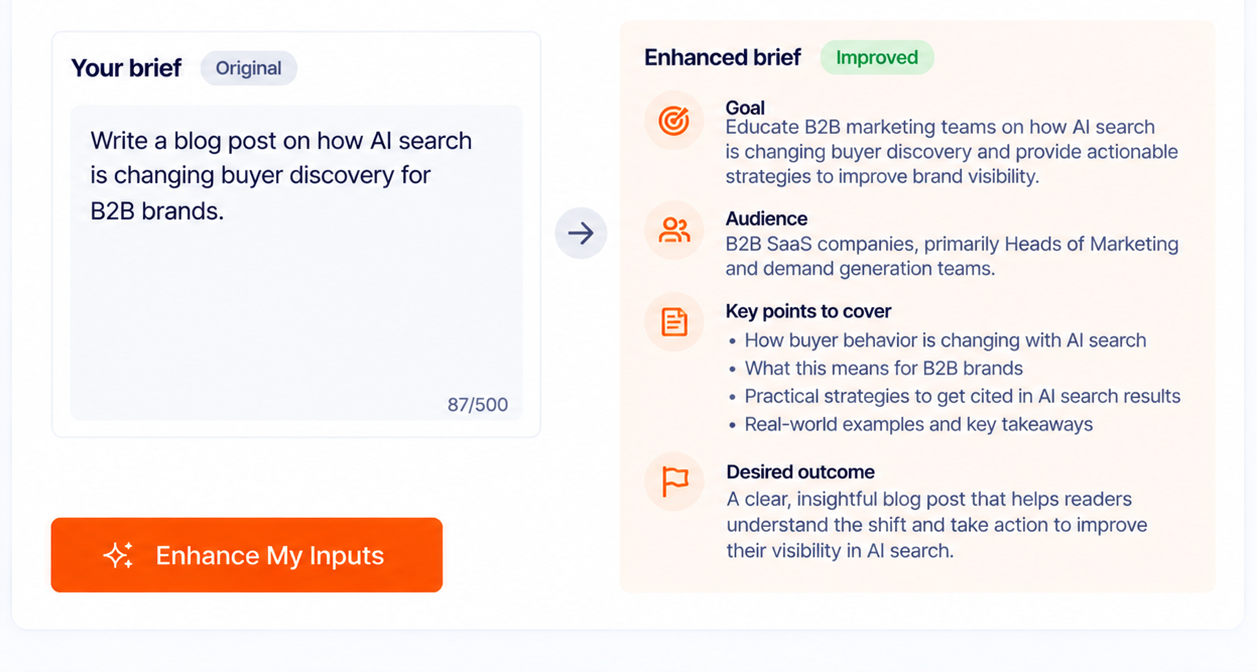
Step 4: Enhance your inputs

Use Enhance My Inputs to sharpen the brief before you continue.
Enhance Your Content Brief

Frequently Asked Questions

What are Content Agents?

Content Agents are specialized workflows for creating different marketing deliverables. Each starts with a format-specific brief and provides relevant controls for audience, brand, and supporting context.

Which Content Agents are available?

The current set shown here includes Blog, Campaign Brief, Email Marketing, Landing Page Copy, Objection Handling, Social Media, Thought Leadership, Webinar Content, and Whitepaper & eBook.

Can I choose the target ICP and persona?

The agent forms include shared target ICP and persona controls. Persona selection is intended to be linked to the selected ICP, and available options depend on the product configuration.

Can I provide brand guidelines or reference material?

The workflows include a saved brand voice selector and a Supporting Context section. Depending on the agent, you can provide notes, reference URLs, and supporting files.

Can agents create different types of deliverables?

Each agent has its own controls. For example, the Email Marketing Agent supports email type and number of emails, while the Webinar Content Agent supports webinar goal, duration, slide count, and slide-content depth.

Should I start with Content Opportunities or an agent?

Start with Content Opportunities when you need help deciding what to pursue. Start directly with an agent when you already know the topic, audience, format, and intended outcome.

Find an Opportunity, then Choose the Right Agent