Track the Buyer Prompts That Shape Your Brand’s AI Search Visibility
Discover relevant prompts from buyer context, choose what to track, and understand how your brand appears in AI-generated answers. Compare visibility over time, monitor competitor movement, and turn meaningful changes into content opportunities.
Build a prompt set around how buyers research
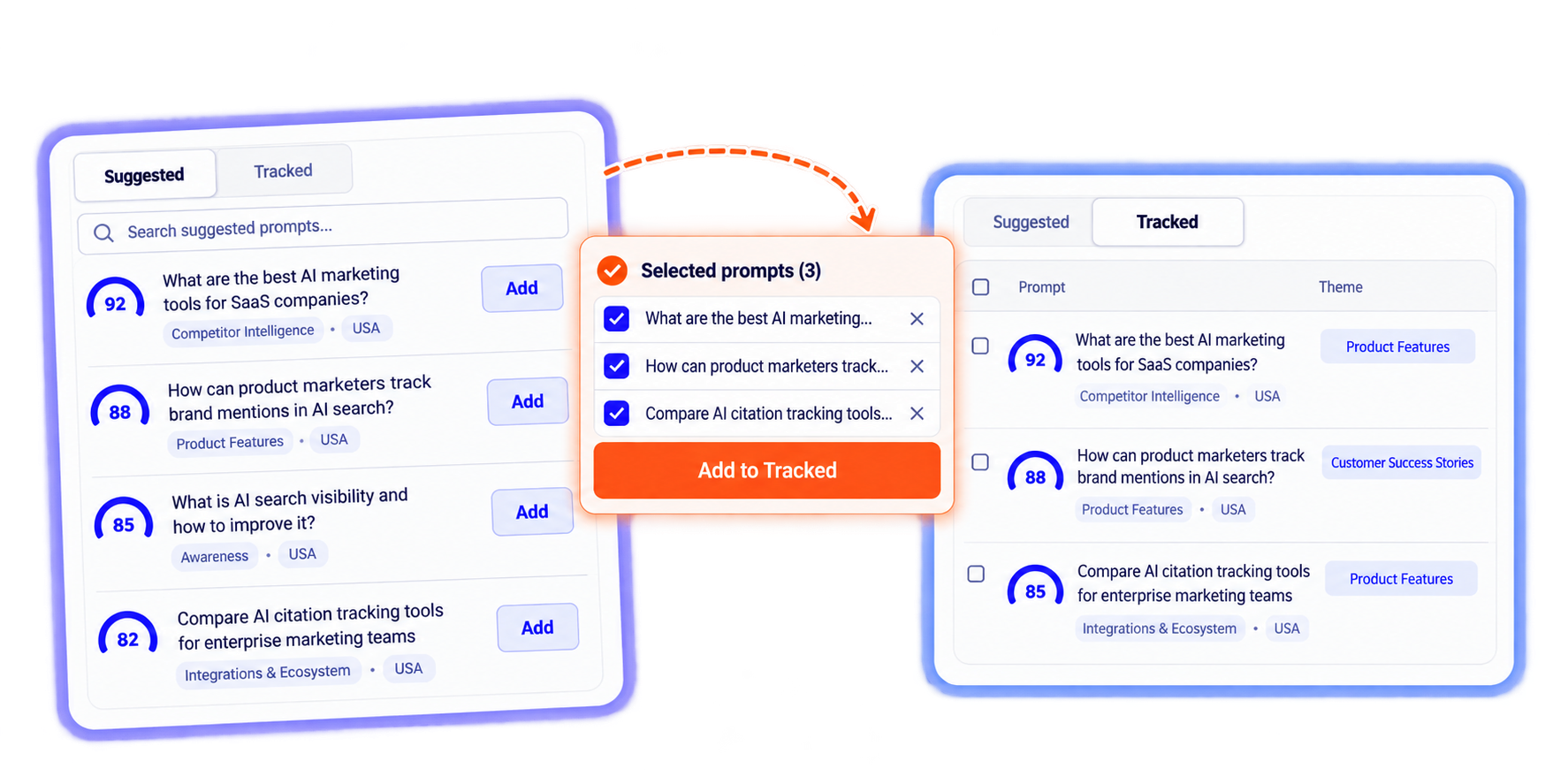
Prompt tracking starts with questions your audience may ask AI assistants during research and evaluation. Omnibound brings contextual suggestions and manually created prompts into one workflow, so your team can decide what deserves ongoing monitoring.
How it works
Suggested and tracked prompts
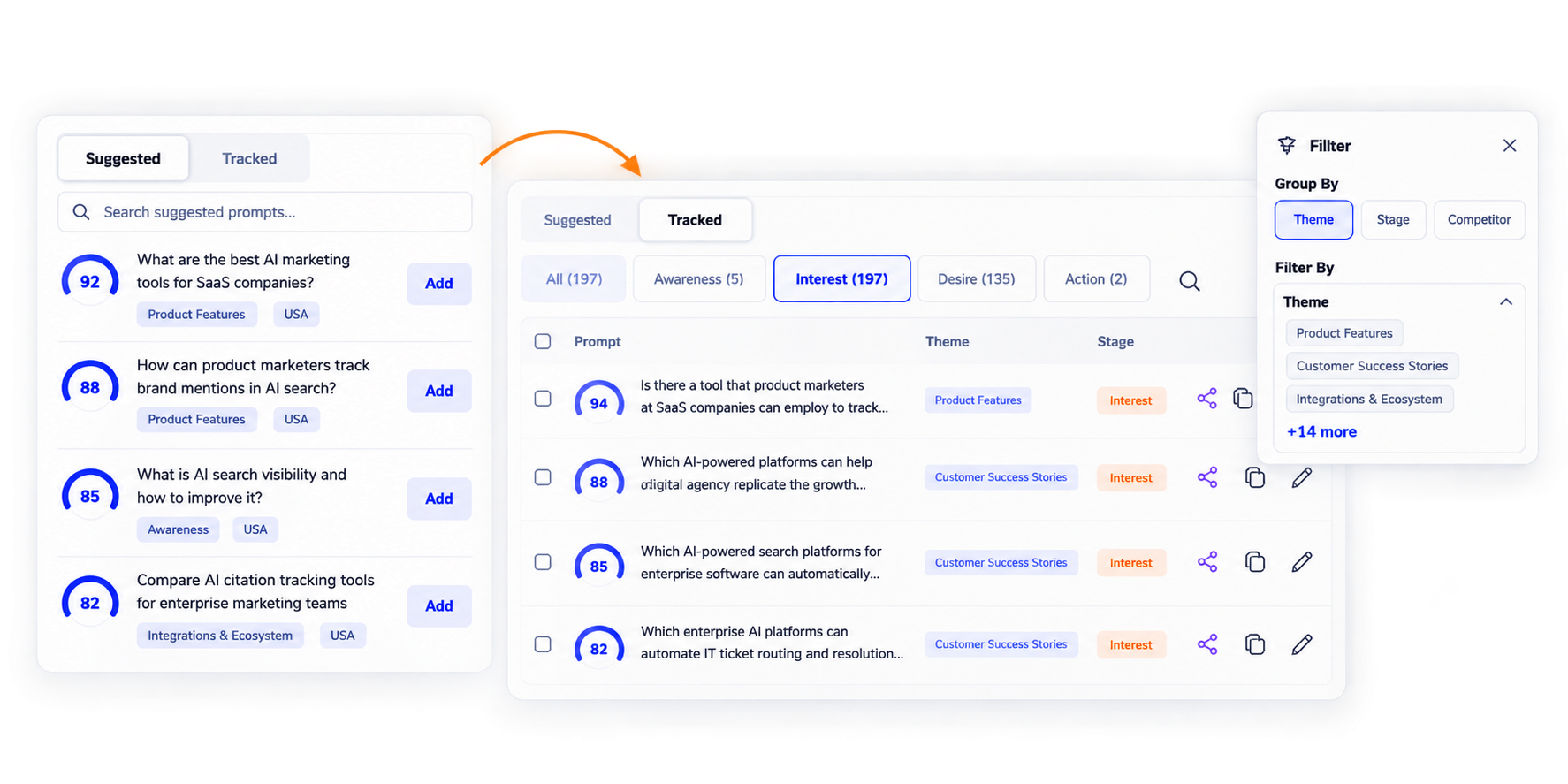
Start with contextual suggestions, review what is relevant, move selected prompts into tracking, or create prompts manually.
Organize prompts around the buying journey
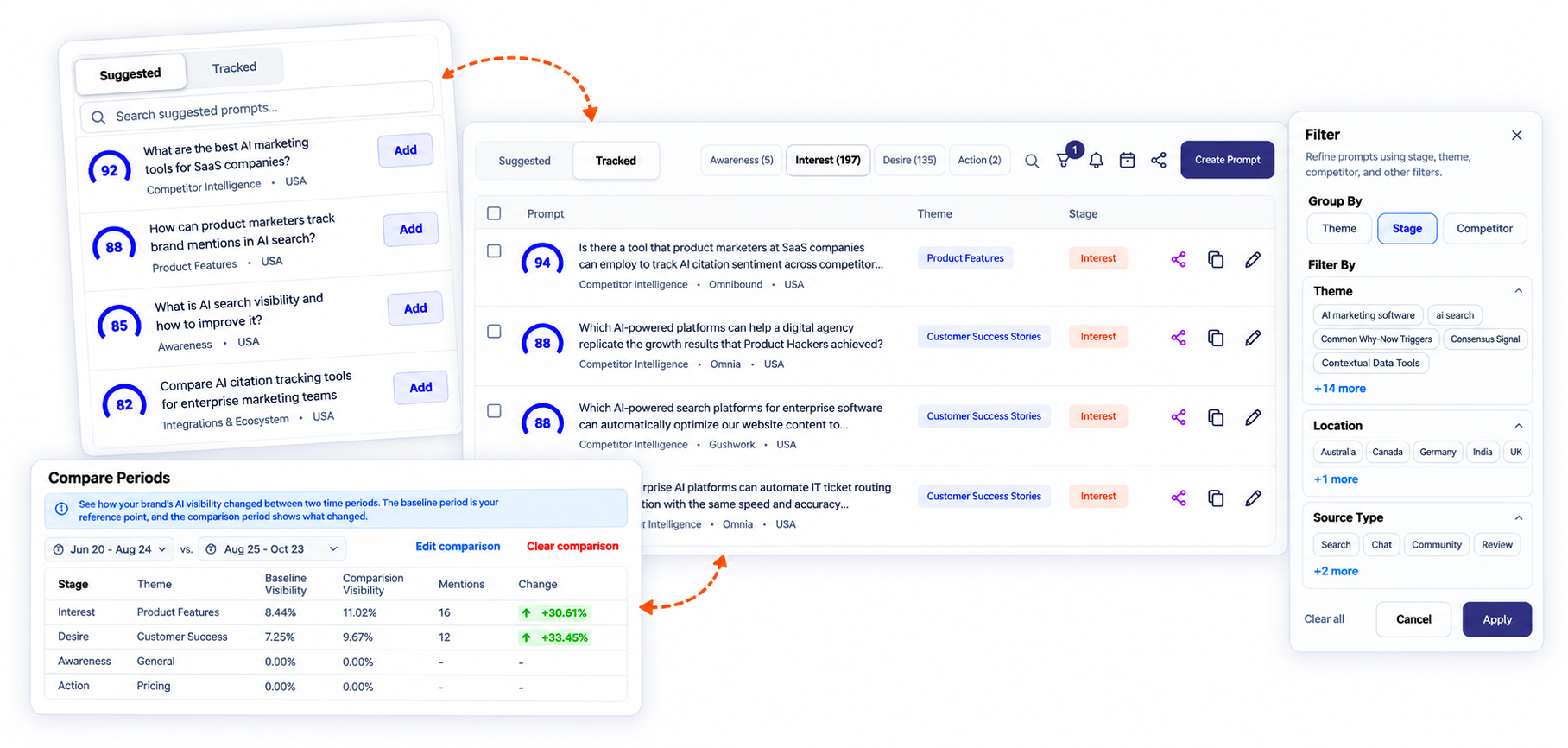
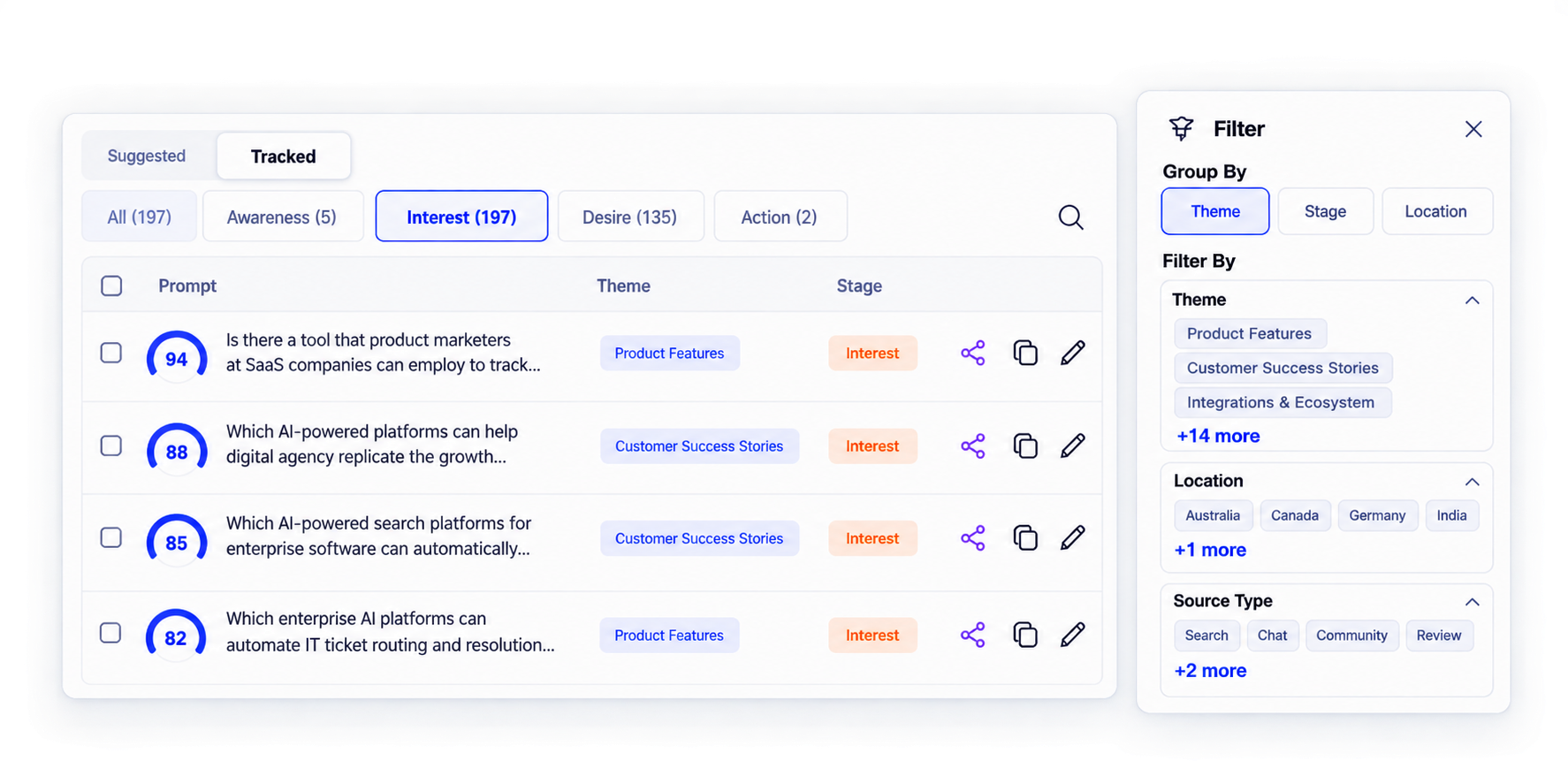
Group prompts by Awareness, Interest, Desire, and Action. Filter by theme, location, source type, persona, competitor, or brand-mention status.
Set alerts for meaningful changes
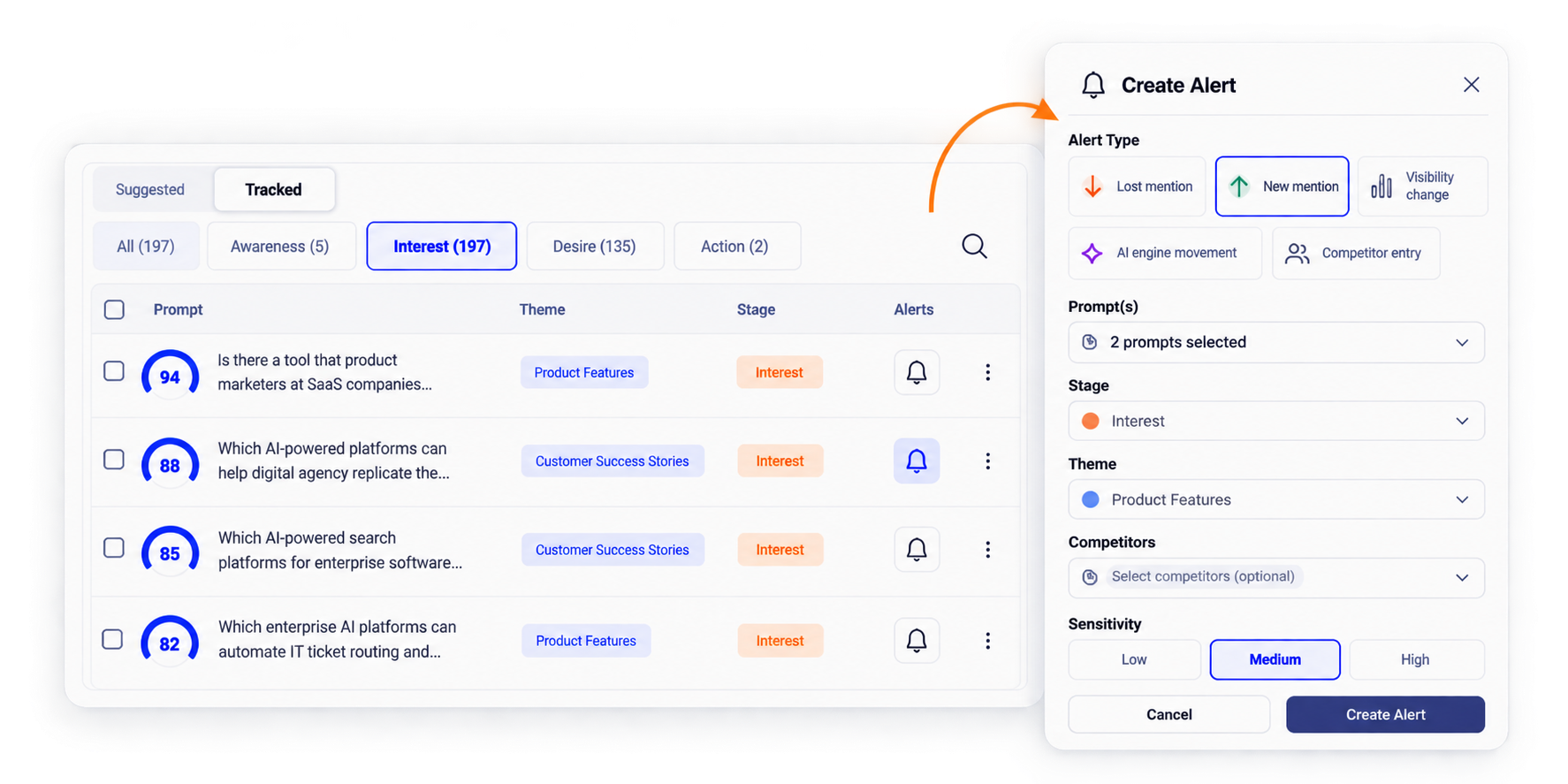
Configure triggers for lost or new brand mentions, visibility changes by stage or theme, AI-engine movement, and competitor entry or improvement. Choose prompts and sensitivity.
Compare visibility across periods
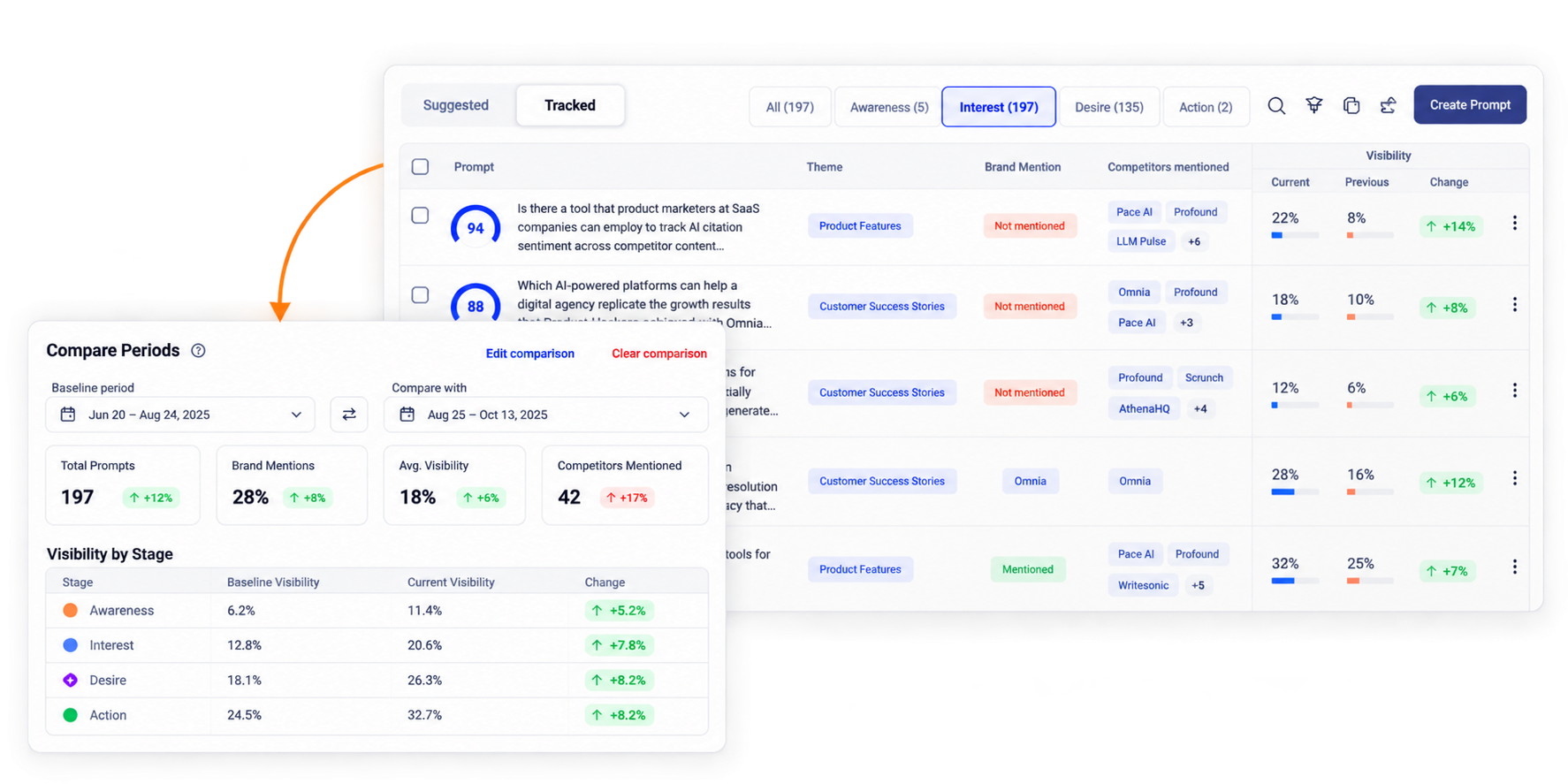
Compare a baseline with a selected period, then inspect movement by funnel stage, theme, competitor, and AI engine.
Turn prompt changes into content opportunities
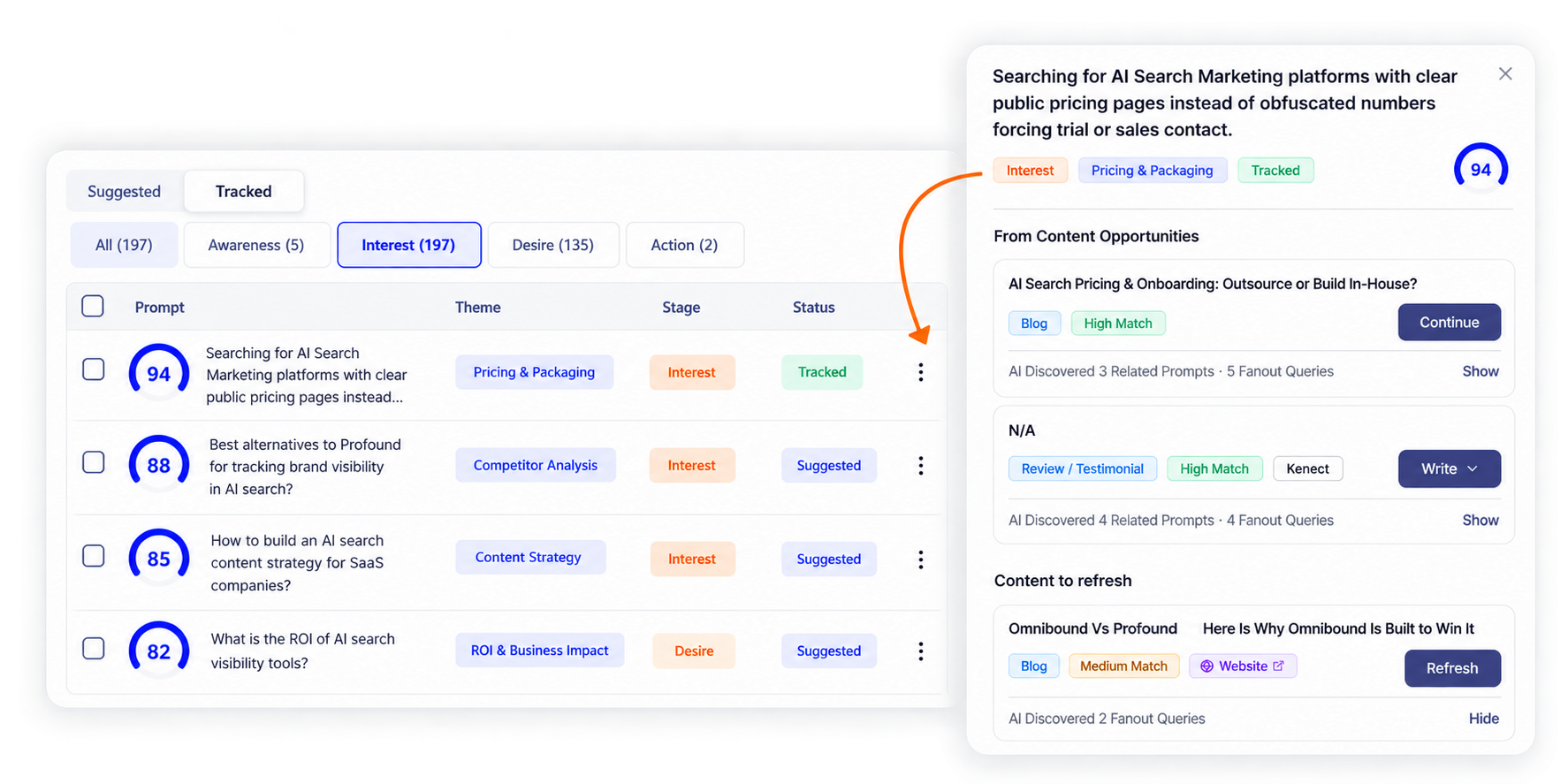
Investigate a prompt-level gap or competitor change, review related prompts, and connect the insight to content creation, refreshes, or a campaign workflow.
Inspect the answer behind each result
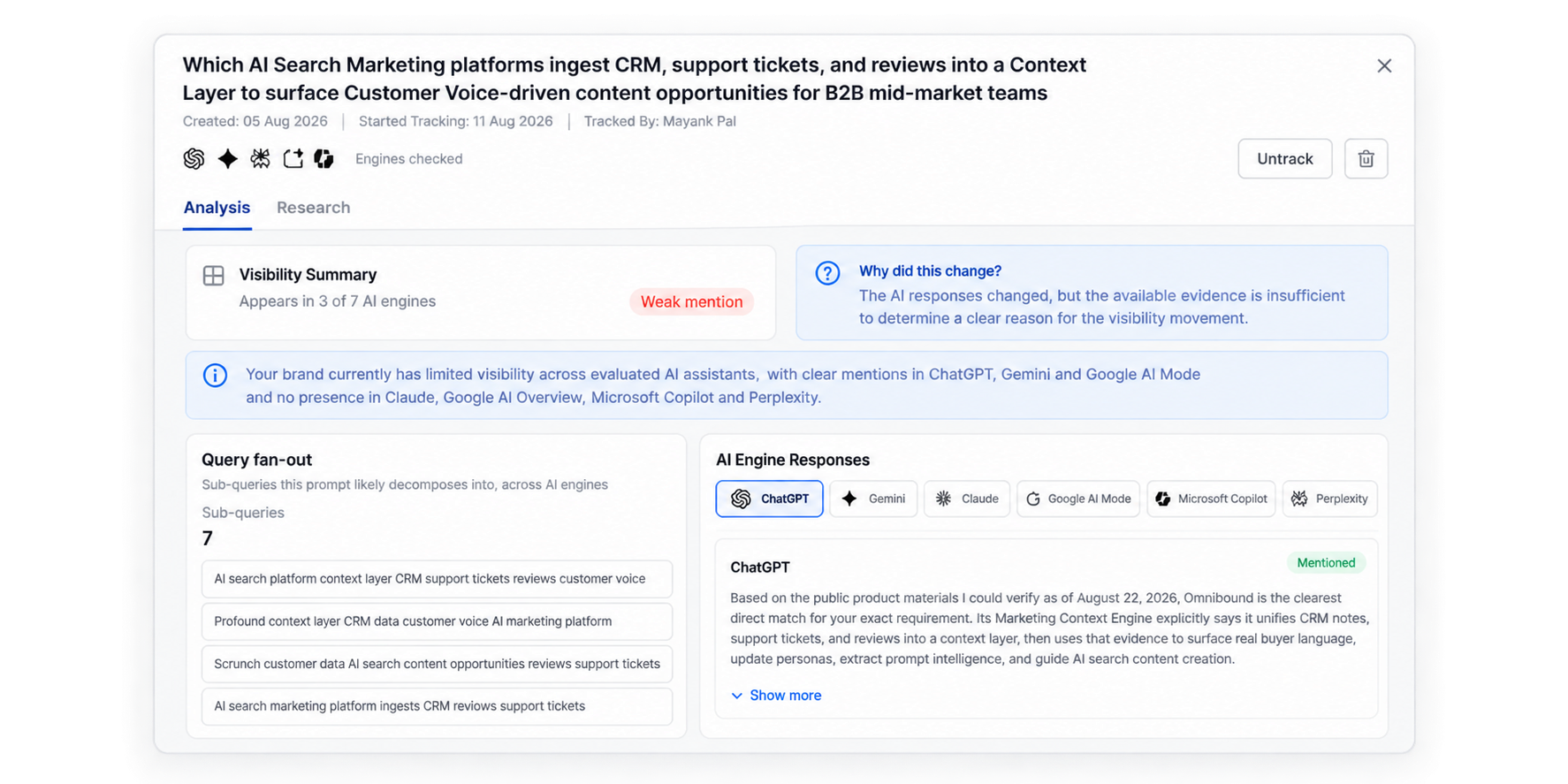
Review visibility summaries, brand-mention changes, query fan-out, and responses across the AI engines shown in the product interface.